12 Océ 9300 User Manual
Turning the printer on or off
Once the printer has been turned on, it is ready for operation.
▼
▼▼
▼
Turning the printer on
1
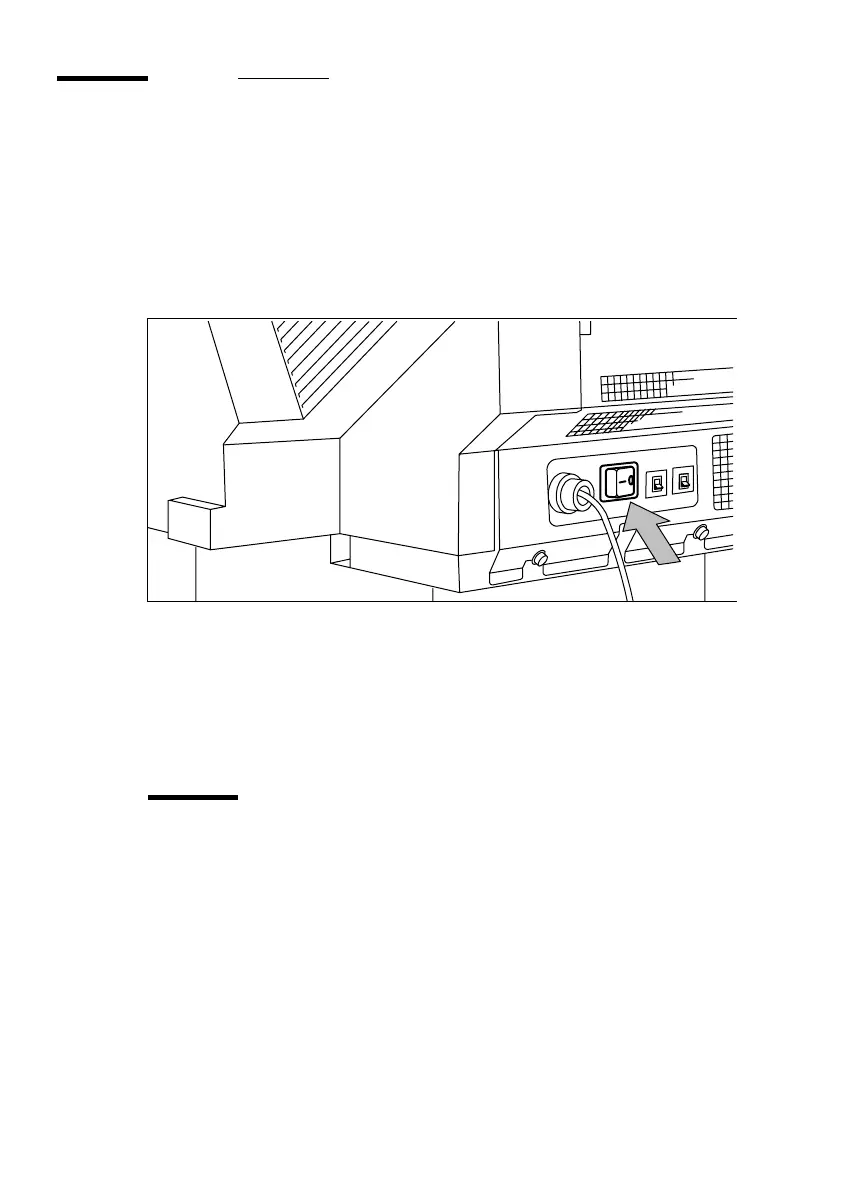
Set the on/off switch, located at the back of the printer, to position ‘1’ (see
figure 2). If the electrical supply is correctly connected, the green switch will
light up.
[2] Printer on/off switch
Note:
When ‘Ready’ appears on the operating panel, the printer is ready for
use.
▼
▼▼
▼
Turning the printer off
2
Set the on/off switch, located at the back of the printer, to position ‘0’ (see
figure 2).
Attention:
Turning the printer off during a print job may cause a loss of
information or a paper jam.



 To Next Page