94 Océ 9300 User Manual
Clearing paper jams
When a jam occurs, a message appears on the operating panel. If paper
misfeeds occur frequently, make sure that:
■
The roll(s) are loaded correctly and the media is fed as indicated.
■
The correct media is used (see ‘Print media that can be used’ on page 103).
■
No scraps of material are blocking the paper path.
▼
▼▼
▼
Clearing paper jams in the media feed section
1
Turn the printer off.
2
Open the cover of the roll unit.
3
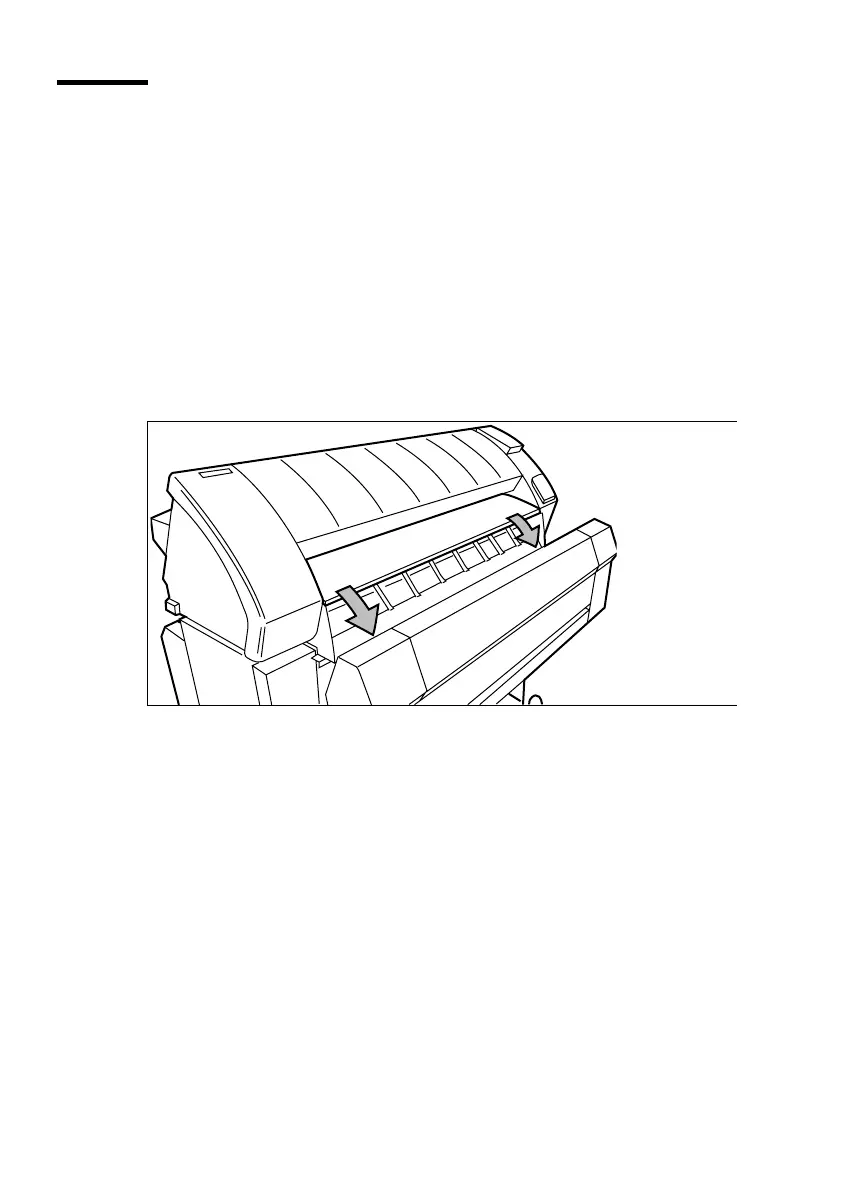
Lower the feed table, using the two catches on the front of the printer
underneath the feed table (see figure 27).
[27] Lowering the feed table
4
Remove the jammed material.
Note:
Check thoroughly to make sure that no scraps of material remain.
5
Close the feed table.
6
Close the cover of the roll unit.
7
Turn the printer on.



 To Next Page