Advanced menu functions 81
Rendering
The rendering function can be divided into clustered or cloud. With this
option
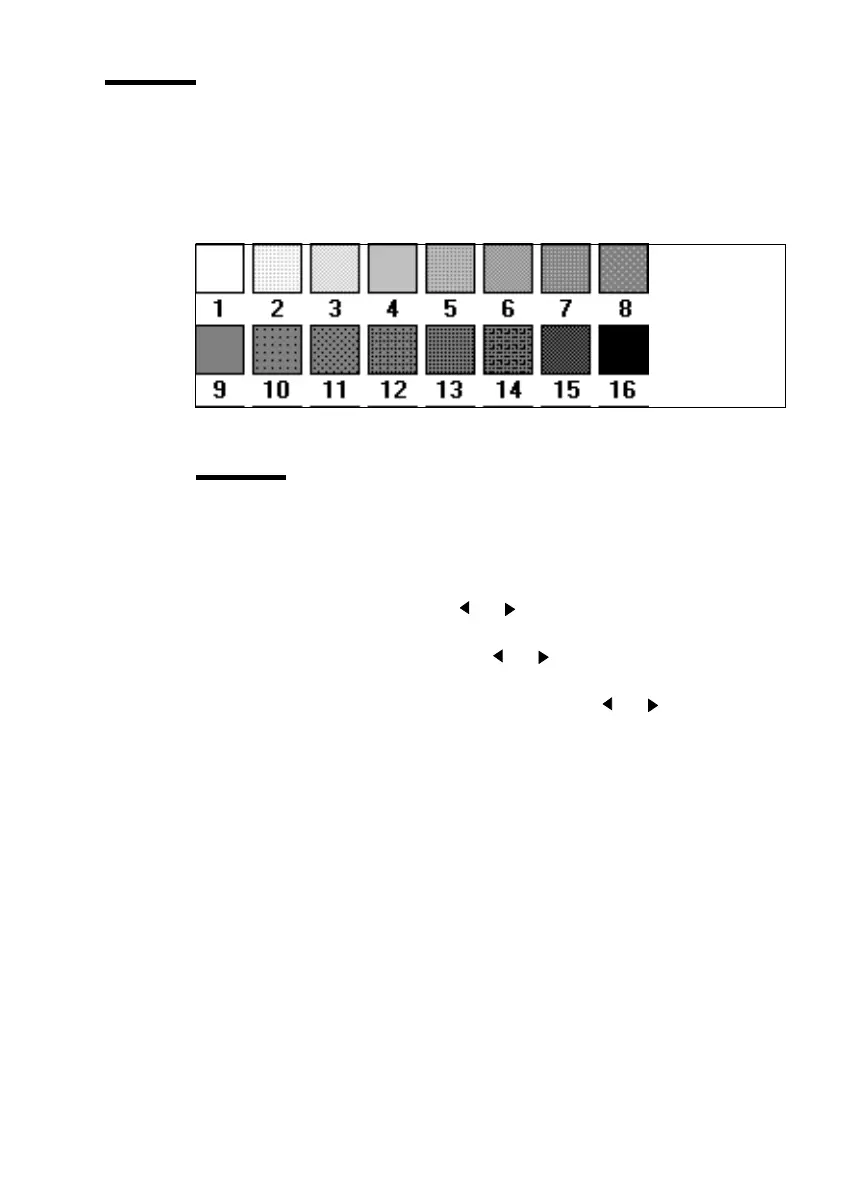
you can change the first 16 pen patterns into another 16 gray-shaded pen
patterns
.
[25] The rendering function gray-shaded patterns
Attention:
Clustered must be used if your originals contain large gray areas.
Use cloud to get an optimal result with line drawings.
▼
Defining rendering
1
Press ‘Program’ to enter the main menu.
2
Select the ‘
QUALITY
’ item using the or button.
3
Press ‘next/select’ to enter the ‘
QUALITY
’ menu.
4
Select the ‘
RENDERING
’ option using the or button.
5
Press ‘next/select’ to enter the ‘
RENDERING MENU
’
.
6
Select the required option, clustered or cloud, using the or button.
7
Press ‘next/select’ to confirm the selected option.
8
Press ‘Program’ to leave the main menu.



 To Next Page