16 Océ 9300 User Manual
Serial
If you are using the serial port, you will need to configure a list of parameters.
All required parameters are described in the following procedures.
▼
Connecting serial
1
Turn off the printer and host
2
Connect one end of the serial cable to the computer’s serial port.
3
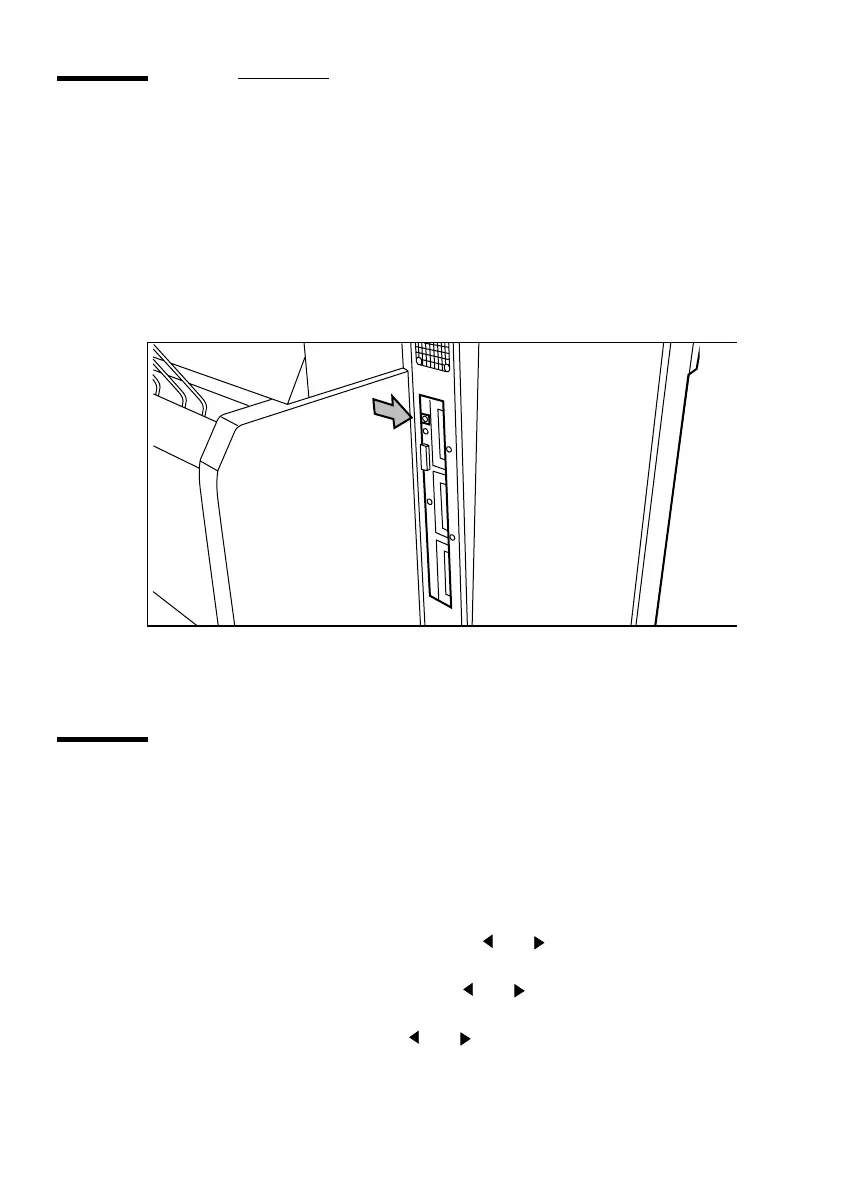
Connect the other end to the printer’s Serial port (see figure 4).
[4] Serial port
4
Turn the printer on.
Handshake protocol
You can select CTS2 or XON4 or BOTH. The default setting is
BOTH
. This
means that the printer will automatically respond to either XON/XOFF
(software protocol) or CTS (hardware protocol).
▼
Defining handshake protocol
1
Press ‘Program’ to enter the main menu.
2
Select the ‘C
ONFIGURATION
’
item using the or button.
3
Press ‘next/select’ to enter the ‘C
ONFIGURATION
’
menu.
4
Select the ‘
CONNECTIONS
’
item using the or button.
5
Press ‘next/select’ to enter the ‘
CONNECTIONS
’
menu.
6
Select the ‘
SERIAL
’
item using the or button.
7
Press ‘next/select’ to enter the ‘
SERIAL
’
menu.



 To Next Page