Customizing defaults 51
Océ languages (VDF/BGL)
Océ print origin
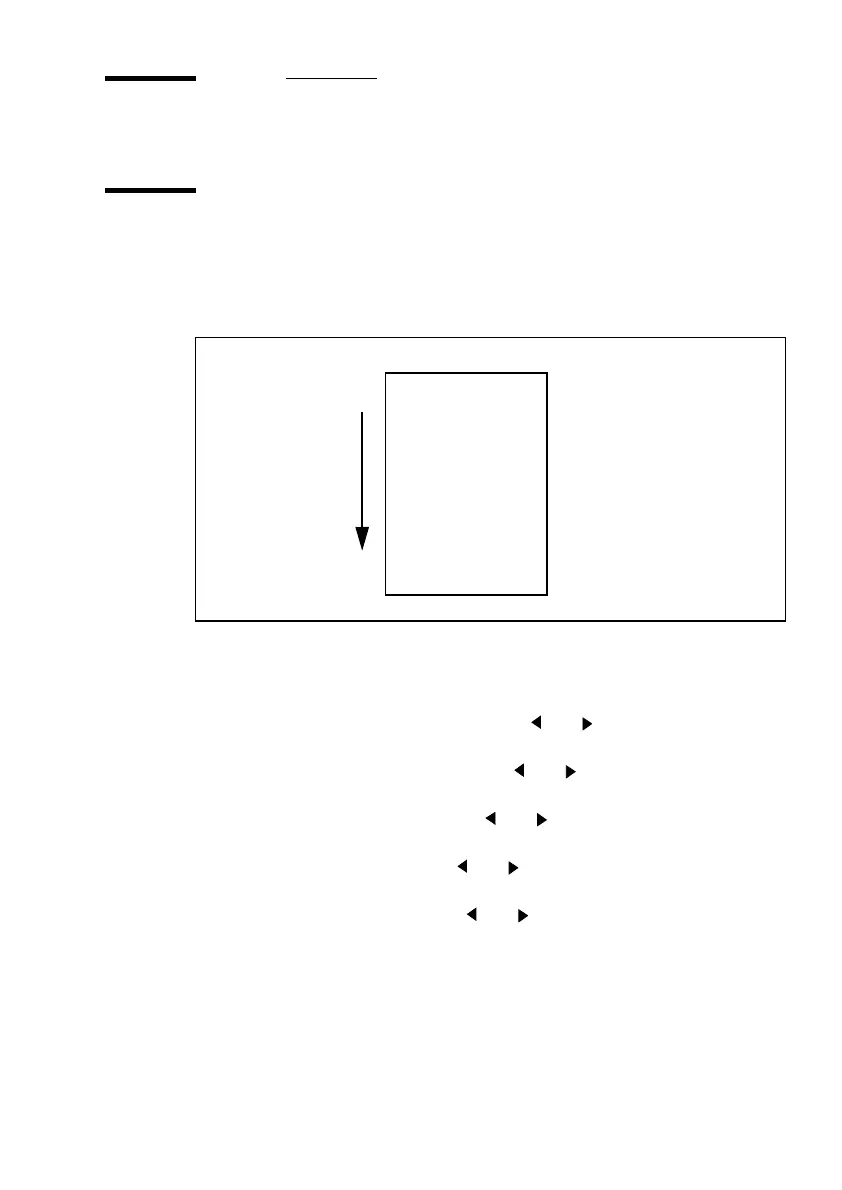
The term “print origin” refers to the point on the paper at which printing starts.
You can choose among the following options: Upper right, upper left, center,
lower right and lower left (see figure 21). The default is lower right.
[21] Print origin options
▼
▼▼
▼
Defining the print origin
1
Press ‘Program’ to enter the main menu.
2
Select the ‘C
ONFIGURATION
’
item using the or button.
3
Press ‘next/select’ to enter the ‘C
ONFIGURATION
’
menu.
4
Select the ‘
DATA
FORMAT
’
item using the or button.
5
Press ‘next/select’ to enter the ‘
DATA
FORMAT
’
menu.
6
Select the ‘
OCE
SETUP
’
item using the or button.
7
Press ‘next/select’ to enter the ‘
OCE
SETUP
’menu.
8
Select the ‘
ORIGIN
’
item using the or button.
9
Press ‘next/select’ to enter the ‘
ORIGIN
’ menu.
10
Select the required origin using the or button.
11
Press ‘next/select’ to confirm the selected origin.
12
Press ‘Program’ to exit the main menu.
Center
Lower right
Lower left
Upper right
Upper left
Paper feed



 To Next Page