Getting started 9
The printer operating panel
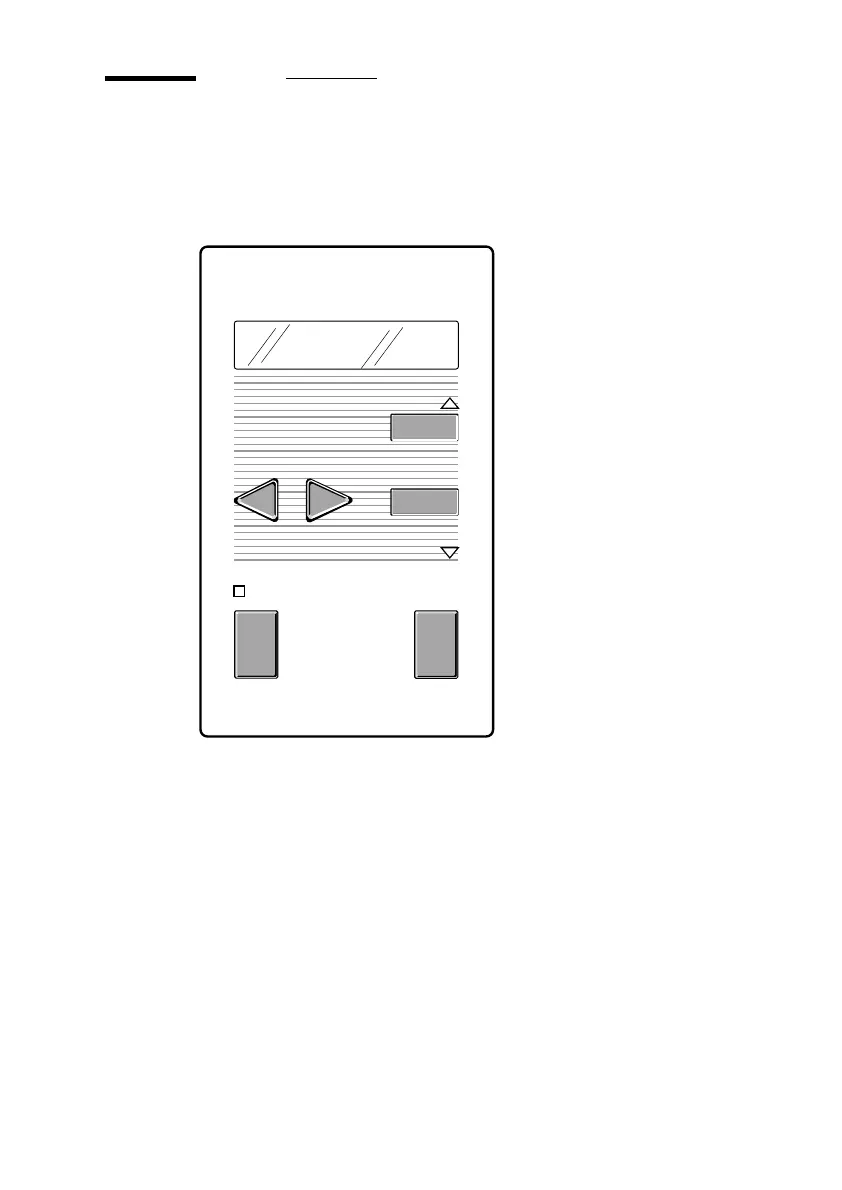
The operating panel located on the right-hand side of the printer console is easy
to use (see figure 1). The panel consists of buttons and a display.
[1] Printer operating panel
During normal operation, the printer can process print jobs and provide a 2-line
display of the current printer status (e.g. ‘READY’’ or ‘RASTERIZING’’).
The buttons on the operating panel allow you to enter the Program mode and
easily set up the printer according to your requirements.
previous
next/select
cancel/
continue
program
READY
C



 To Next Page