40 Océ 9300 User Manual
Printing files
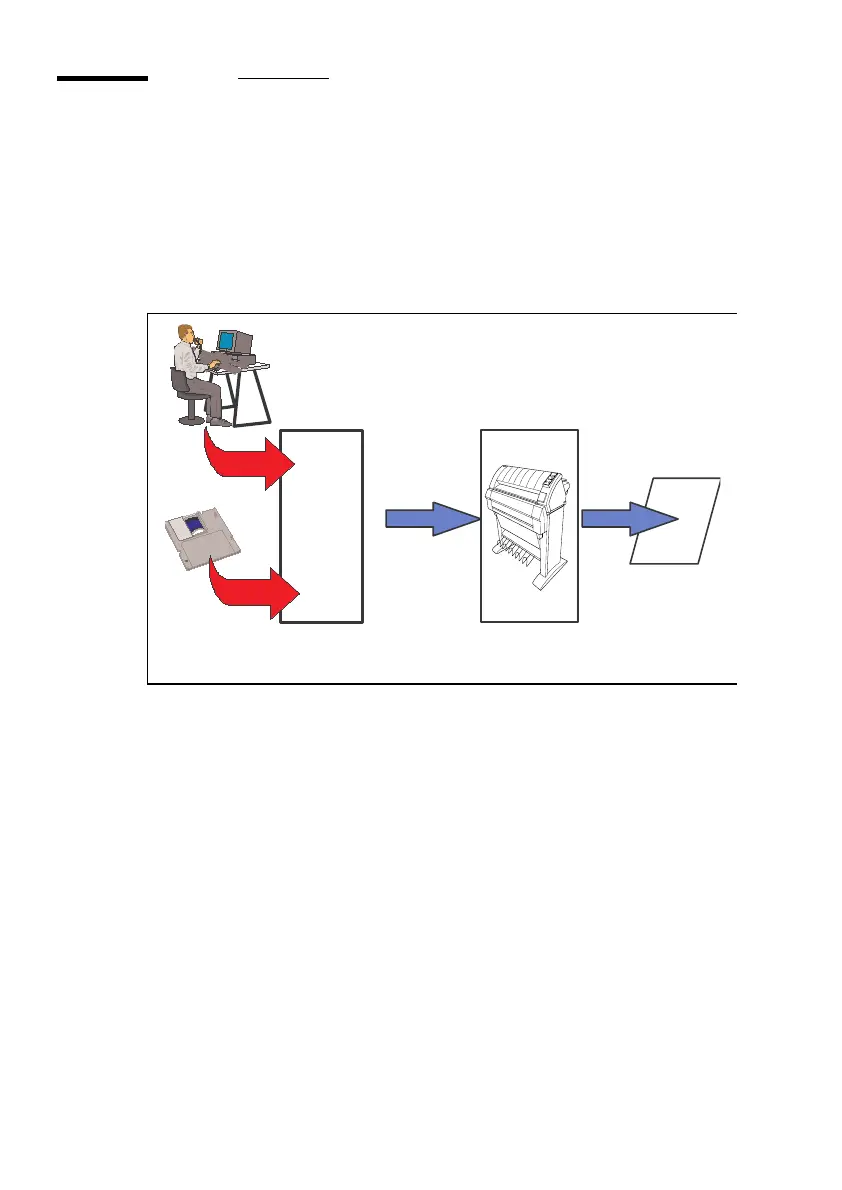
The Océ 9300 can be connected to a host environment, which may be either a
stand alone PC/Workstation or a PC/Workstation connected to a network. It
accepts various standard format CAD/CAM vector and EDMS raster data files
from the host environment and converts these into high quality plots (see
figure 19).
[19] Data flow to the Océ 9300
When an Océ 9300 receives vector (HP-GL, HP-GL/2, VDF, BGL, Calcomp
906/907), raster (HP-RTL, TIFF, CALS) or PostScript (PostScript level 2
optional) data, it generates a plot using the settings (e.g. number of copies,
plotter emulation, etc.) specified on the operator console in Program Mode.
For maximum flexibility, each plot job can be preceded by remote-control
commands specifying the settings to be used for that specific job. These
commands are contained in a 'header' containing job- and file-specific settings
(e.g. number of copies), in Remote Control Format (RCF), which override the
settings programmed in Program Mode.
Application
Océ 9400
Plotfile + RCF
Plot
Job
Settings
Plot
File
Océ 9300



 To Next Page