(Re)load media and toner 33
Printing using the manual feed
Manual feed can be selected in two ways:
■
Via remote control commands added to the print file (by means of Plot
Director or drivers.)
■
By changing the ‘MEDIA MODE’ in program mode.
If the user wants to use manual feed, he or she must:
1
Program the media settings on the printer; see ‘Programming media settings’
on page 34.
2
Send the file.
3
Wait until the message ‘FEED SHEET’appears in the printer display.
4
Feed a sheet of paper into the printer in portrait orientation.
5
Hold the paper until the engine pulls in the first part of the sheet.
If the user has selected manual feed in a print file, the printer will ask the user,
via the operating panel, to feed the sheet into the printer at the moment this job
is processed. There will be a user-selectable time-out between 30 and 300
seconds for feeding the sheet. The default time-out is 60 seconds. See ‘Setting
the time-out for manual feed’ on page 36. If the user does not feed the sheet
within this time, the job is canceled and the next job is processed.
▼
▼▼
▼
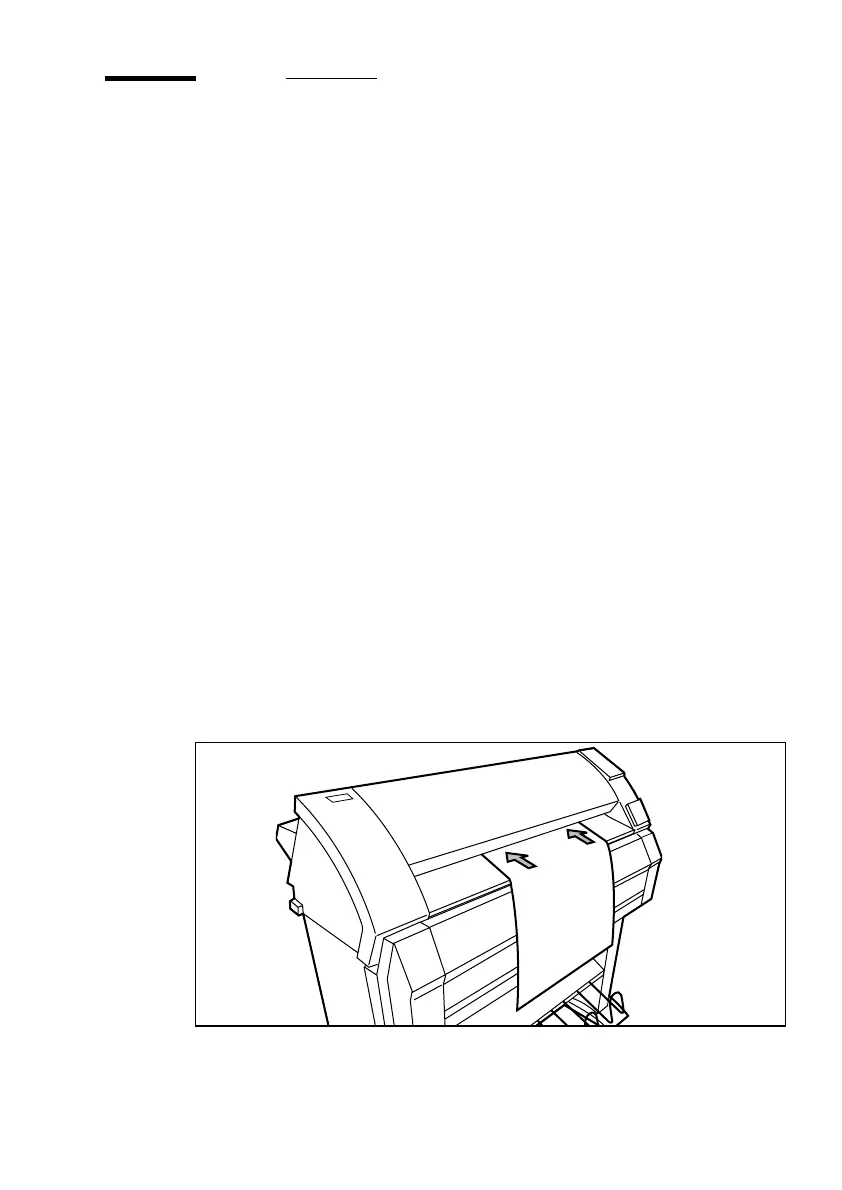
Inserting print material into the manual feed
1
Feed the print material centrally into the feed table in accordance with the
guidelines (see figure 14).
Note:
The minimum length of the print material is 420 mm (16.5").
[14] Manual feed



 To Next Page