32 Océ 9300 User Manual
7
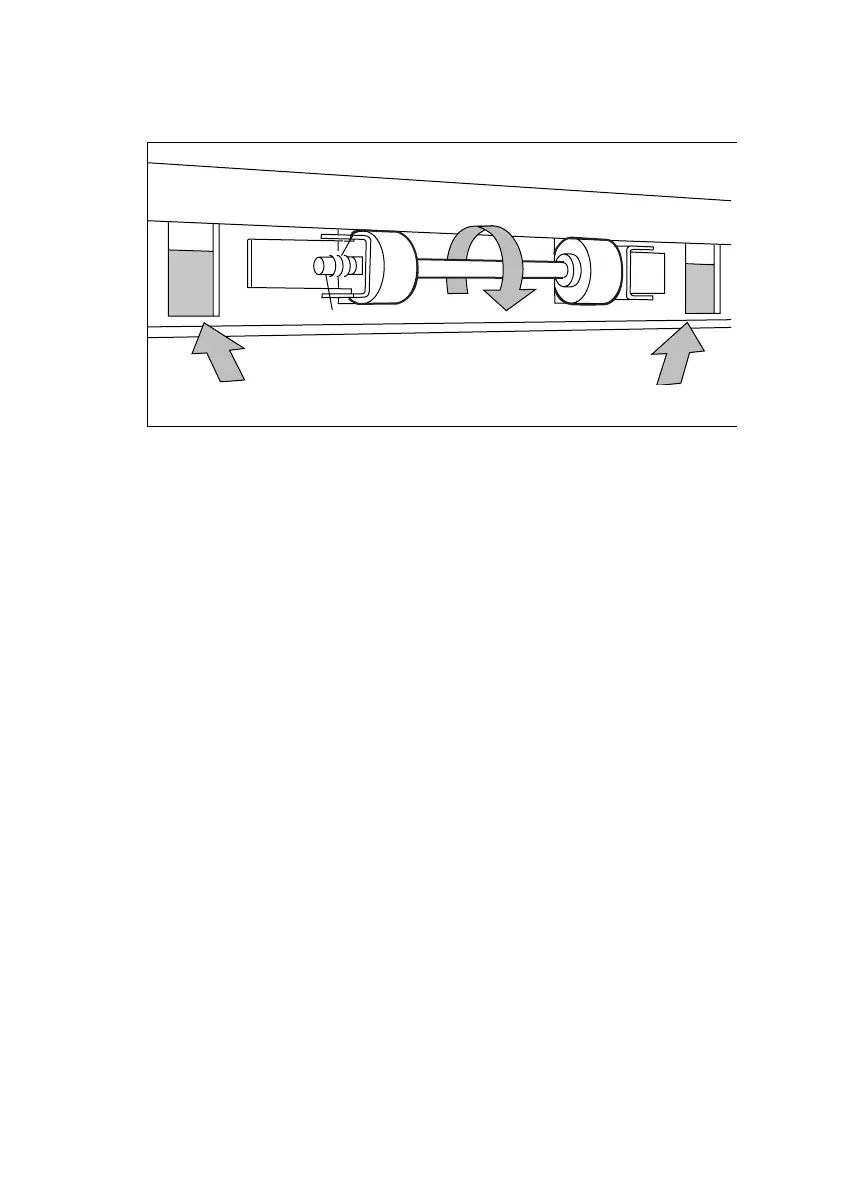
Feed the material between the input guide plates against the rollers. Turn the
rollers until the material is visible (see figure 13). You can also refer to the
sticker inside the drawer.
[13] Feeding print media
8
If you have inserted a roll with another media or with a different width, you
have to program the correct width and media type (refer to ‘Programming
media settings’ on page 34).
If you want to cut the paper to get a straight leading edge, see ‘Cutting print
media to attain a straight leading edge’ on page 30.
Otherwise continue with the next step.
9
Close the lower paper compartment.
10
Press the ‘Cancel/Continue’ button.



 To Next Page