(Re)load media and toner 31
2
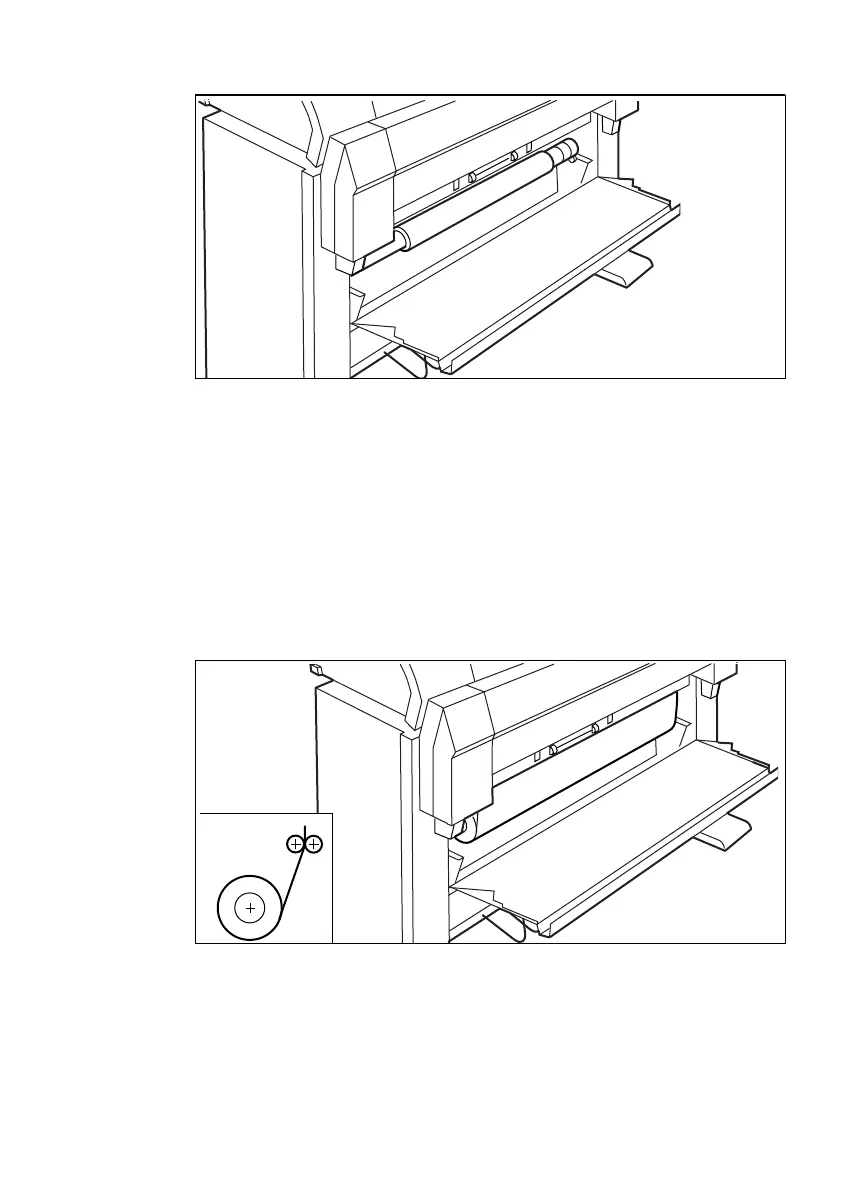
Remove the roll holder (see figure 11).
[11] Removing the roll holder from the lower compartment
3
While pressing the knob, remove the empty core from the roll holder (see
figure 7 on page 28).
4
While pressing the knob, slide the roll holder into the roll of print material (see
figure 7 on page 28).
Make sure that the knob is to the right, and that the paper appears as shown in
figure 7.
5
While pressing the knob, align the roll with the appropriate lines on the roll
holder.
6
Place the roll holder with the material in the lower paper compartment (see
figure 12).
[12] Repositioning the roll



 To Next Page