30 Océ 9300 User Manual
Cutting print media to attain a straight leading edge
If the paper does not have a straight leading edge, you can cut it off at right
angles from the roll.
▼
▼▼
▼
Cutting the paper from roll 1 or roll 2
1
Open the drawer.
2
Feed the paper manually until it is approximately 5 cm above the top drawer.
3
Close the paper drawer.
4
Press ‘Program’ to enter the main menu.
5
Select the ‘
MEDIA
SETTINGS
’ item using the or button.
6
Press ‘next/select’ to enter the ‘
MEDIA
SETTINGS
’menu.
7
Select ‘
CUT
MEDIA
’
using the or button.
8
Press ‘next/select’ to cut the paper.
9
Open the paper drawer.
10
Remove the scrap of material.
11
Pull back the material until it is visible and positioned correctly (see figure 9
on page 29).
12
Close the drawer.
13
Press the button ‘Cancel/Continue’.
▼
▼▼
▼
Reloading roll 2
1
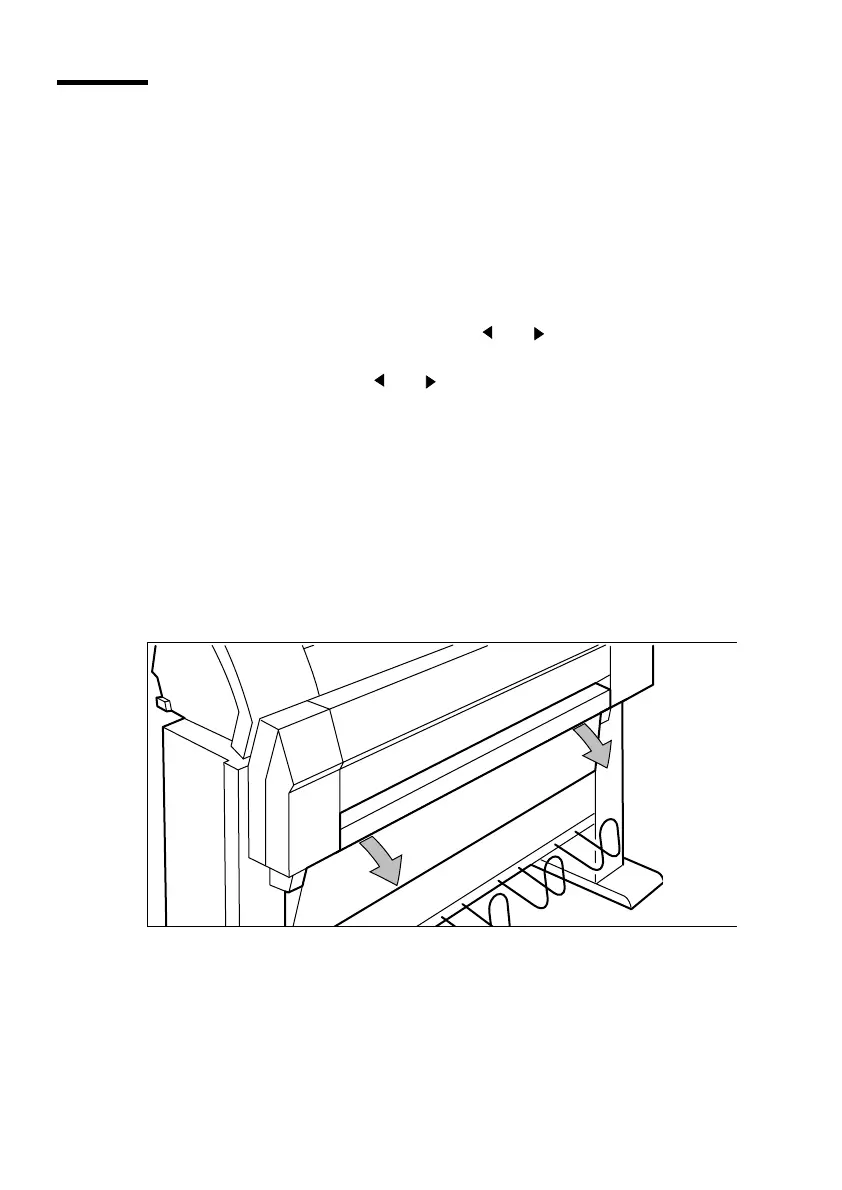
Open the cover to get access to roll 2 (see figure 10).
[10] Opening the lower compartment



 To Next Page