Solving problems 95
If the paper jam cannot be cleared by opening the feed table, then open the
fuser section.
▼
▼▼
▼
Clearing paper jams in the fuser section
1
Turn the printer off.
2
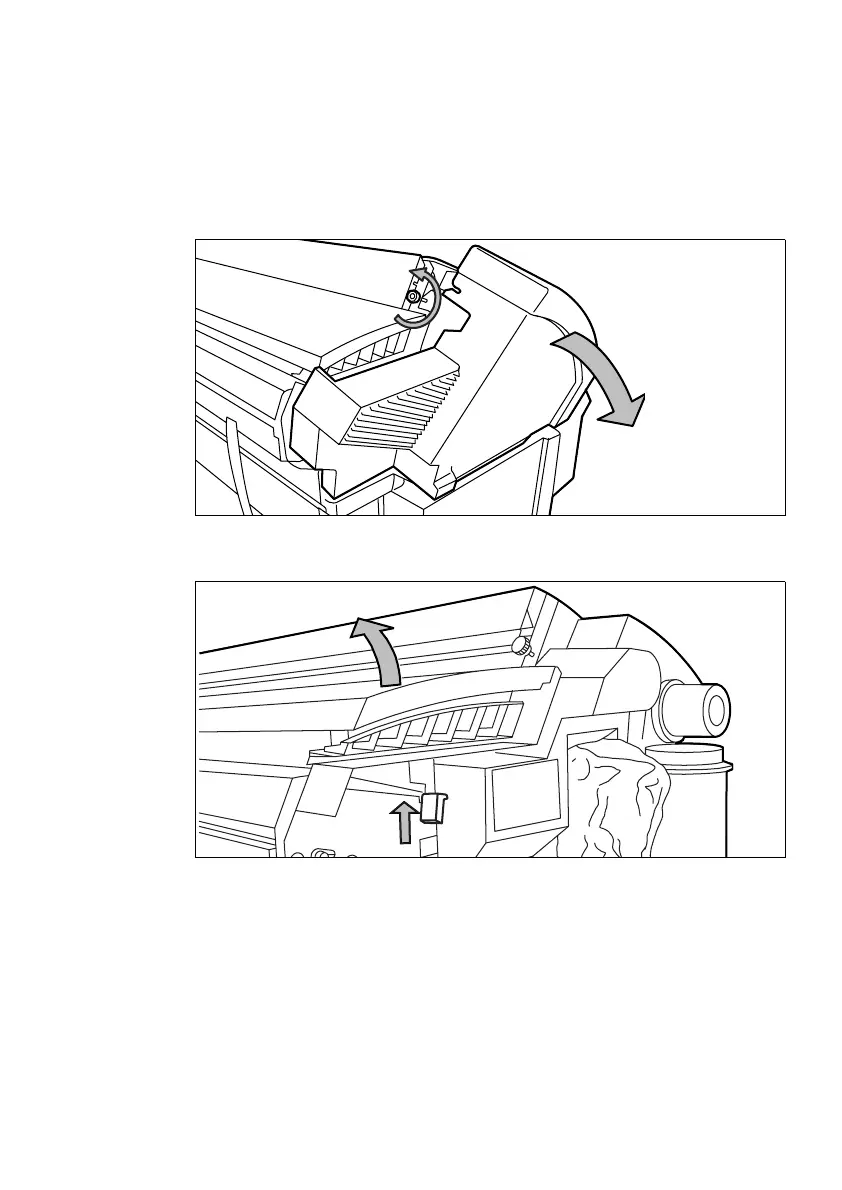
Unscrew the access nut on the left-hand side of the machine and open the cover
(see figure 28).
[28] Unscrewing the access nut and opening the cover
3
Lift the green handle (see figure 29).
[29] Lifting the green handle



 To Next Page