Advanced menu functions 75
6
Select the ‘
MEDIA
SAVER
’
item using the or button.
7
Press ‘next/select’ to enter the ‘
MEDIA
SAVER
’
menu.
8
Select the ‘
M
/
S
MODE
’
item using the or button.
9
Press ‘next/select’ to enter the ‘
M
/
S
MODE
’
menu.
10
Select the ‘
NESTING
’ item using the or button.
11
Press ‘next/select’ to select the required setting.
12
Press ‘Program’ to exit the main menu.
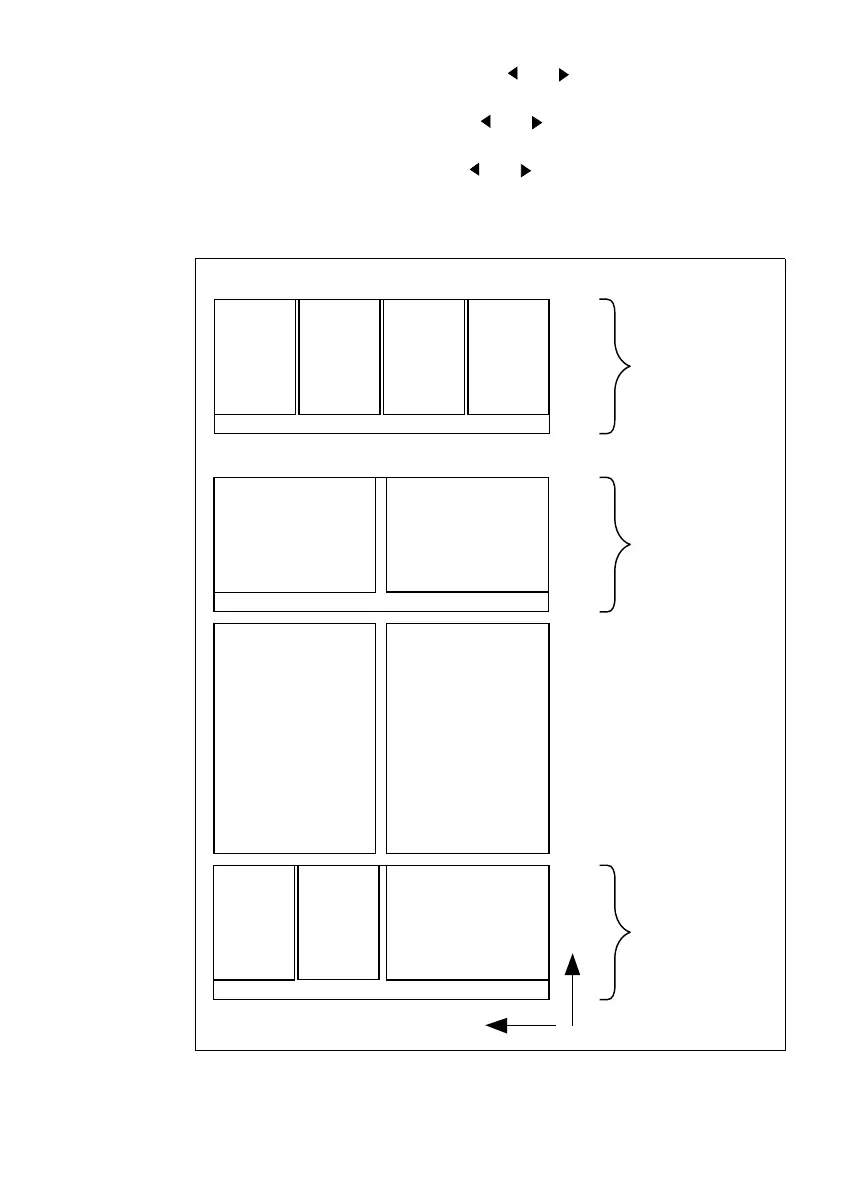
[23] Media saver nesting
A4 A4 A4 A4
A3 A3
A2 A2
A4 A4 A3
Y
X
420 mm
420 mm
420 mm



 To Next Page