683311W
3-14
1
2
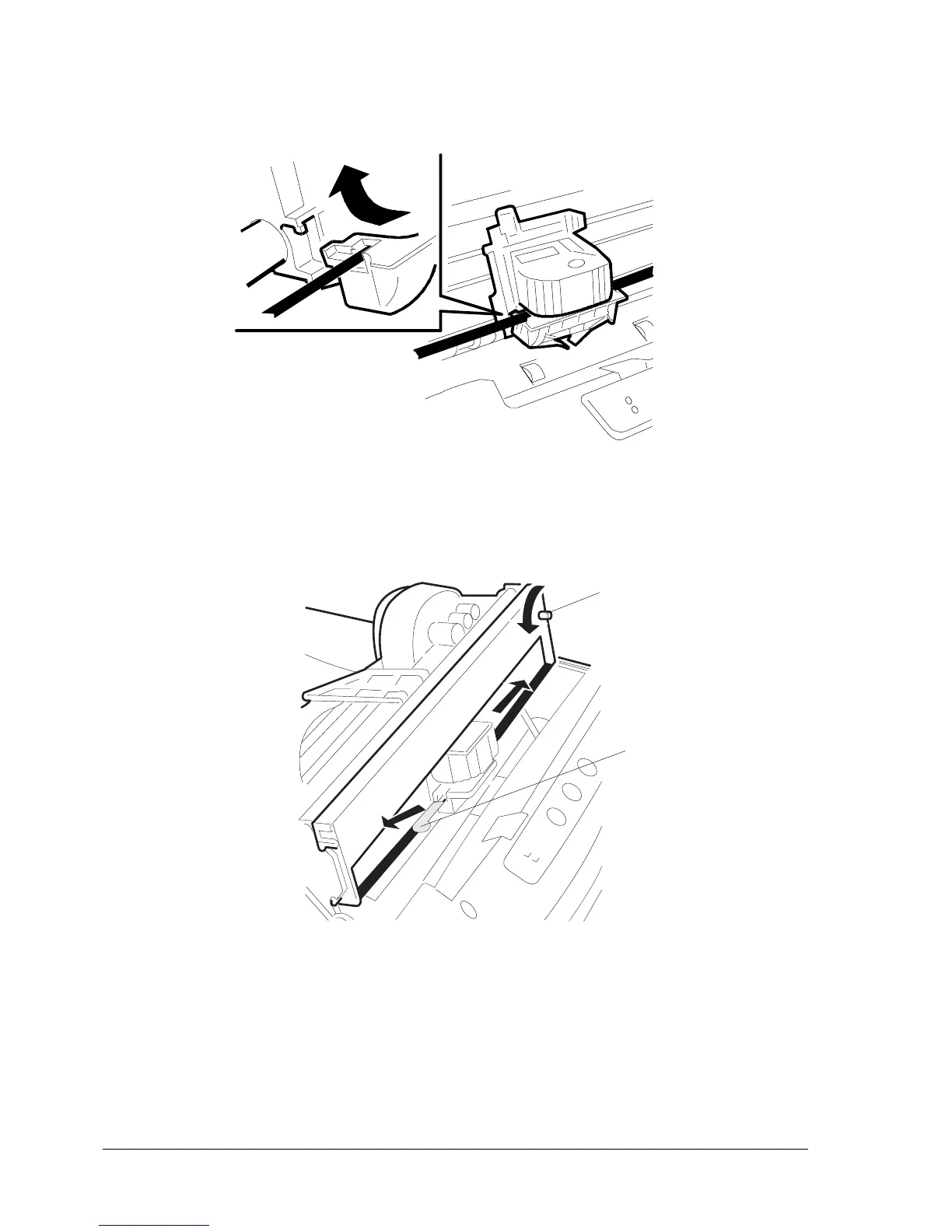
- Insert the ribbon guide frontwards and then move it upwards until it hooks on to the two elastic pins
to the carriage’s open slots behind the print head platen (a “clack” is heard).
Fig. 3-14 Hooking the Ribbon Guide
- Turn the cartridge knob counter clockwise (1) until the ribbon is tight and then remove the tab (2).
Fig. 3-15 Removing the Tab
- With the specific lever, completely lower the upper part of the machine containing the print head
and ribbon cartridge.
- Close the printer cover.
- Powering on the machine.















 To Next Page