683311W
3-16
3.7.7.1 PAPER JAMS AT THE FRONT DOCUMENT INSERTION SLOT
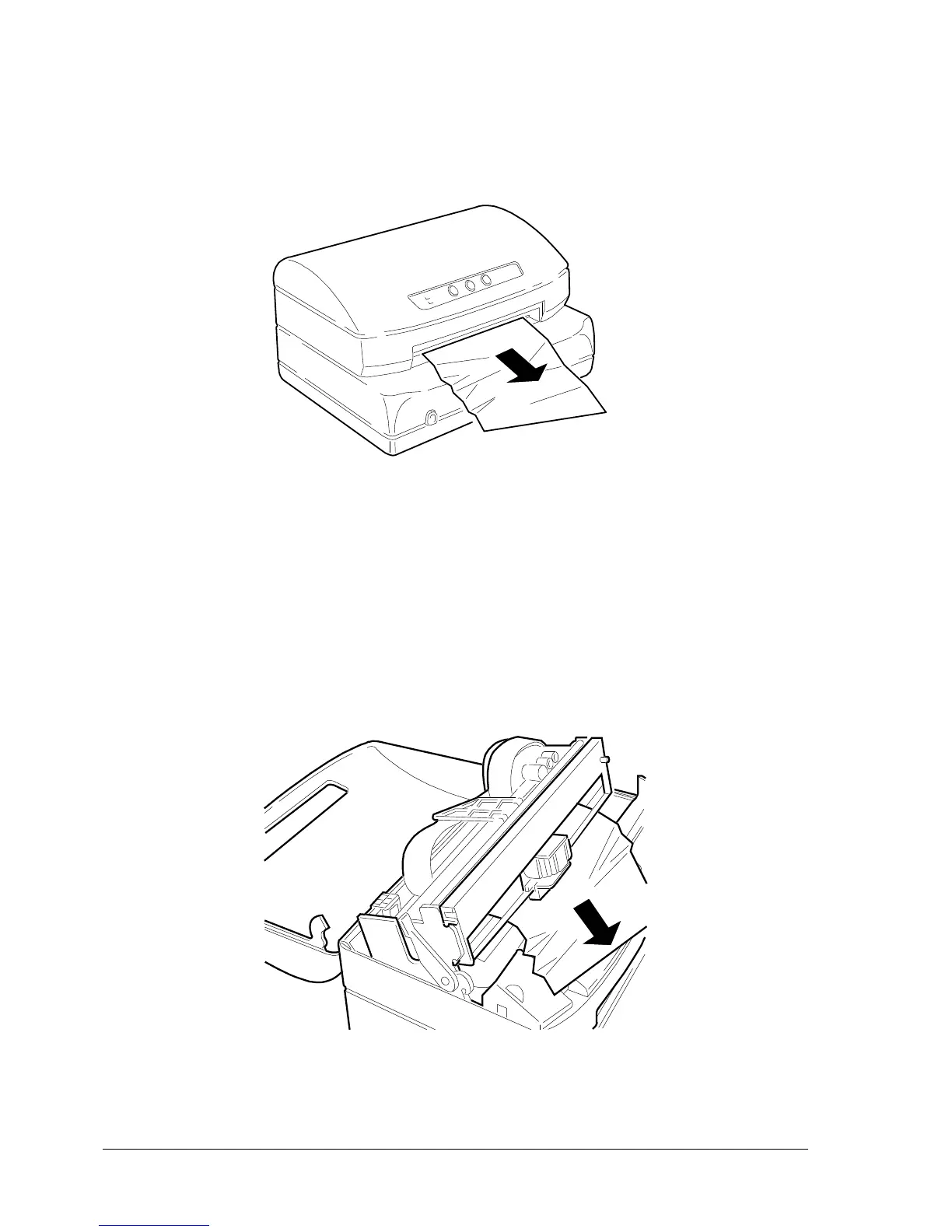
To remove a jammed document from area A (front feeder), carefully pull the document from the printer
to avoid ripping it.
Fig 3-16 Removing the Document from the Front Insertion Slot
3.7.7.2 PAPER JAMS INSIDE THE PRINTER
Proceed as follows to remove a document from area B (inside the printer):
- Open the cover without powering off the printer
- Lift the upper assembly by using the appropriate lever
- Remove the jammed document by pulling it carefully
Fig 3-17 Removing a Document from Inside the Printer















 To Next Page