Service Manual
683311W
3-17
If some pieces of paper remain jammed in inaccessible areas inside the printer, proceed as follows
to remove them:
1) Open the cover and power on the printer with the ST1 key pressed,
2) Wait for the audible signal to sound.
3) By pressing ST1 and/or ST2 (key 3, without any indication, for machines running the SNI ND 90
emulation) the paper will be moved forward/ backward so that the jammed pieces of paper can be
cleared.
4) Power off the machine and close the cover before power on again the machine.
3.7.7.3 PAPER JAMS AT THE REAR OUTPUT SLOT
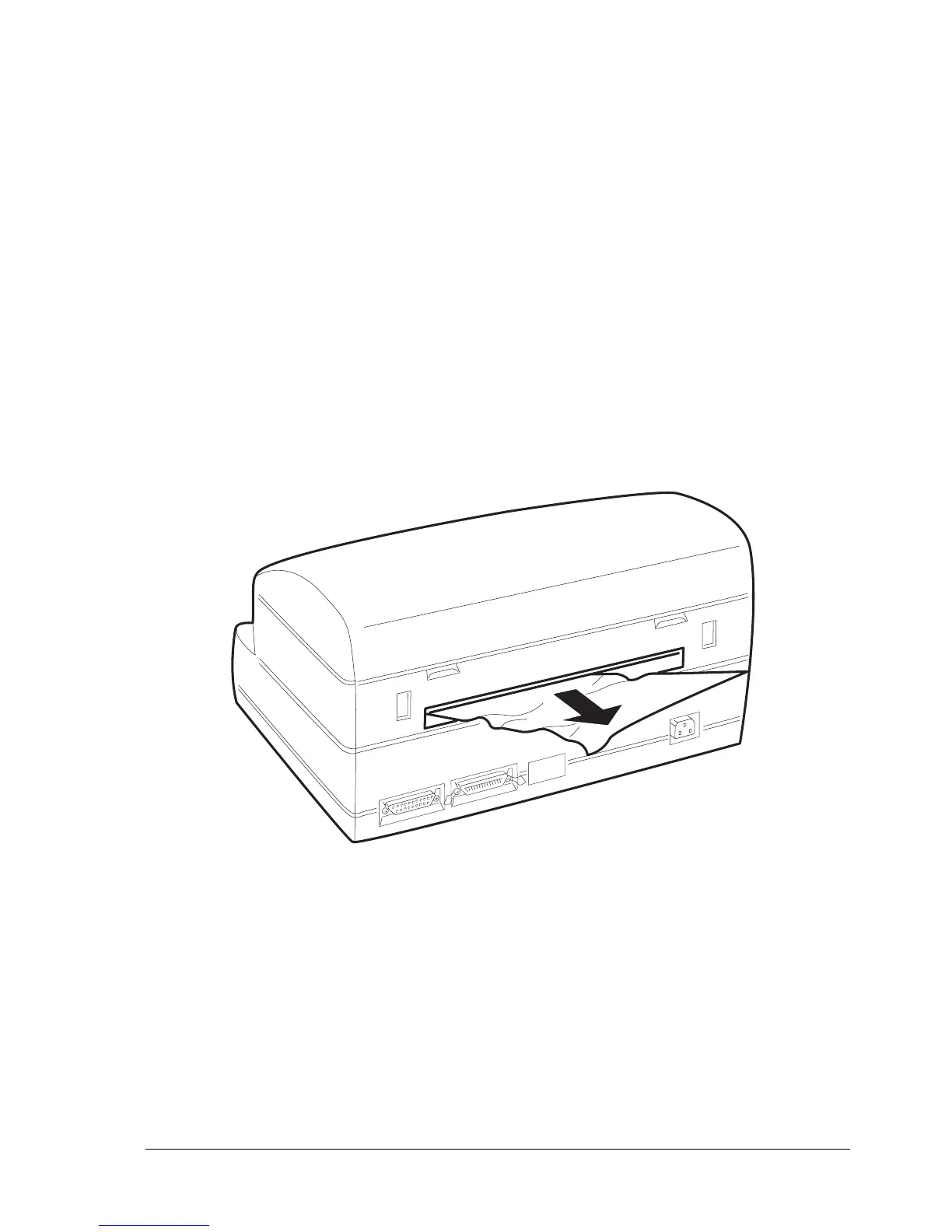
To remove a jammed document from area C (at the rear document output slot), carefully pull the
document outward to avoid ripping it as explained previously.
Fig 3-18 Removing a Document from the Rear Output Slot
■
.















 To Next Page