683311W
4-30
In case the adjustment did not end successfully, also the other adjustments or readings may not be
executed. In this case power off the printer and try again. If the adjustments were successful, the
printer will automatically return to the initial overall environment allowing the selection of any
adjustment procedure.
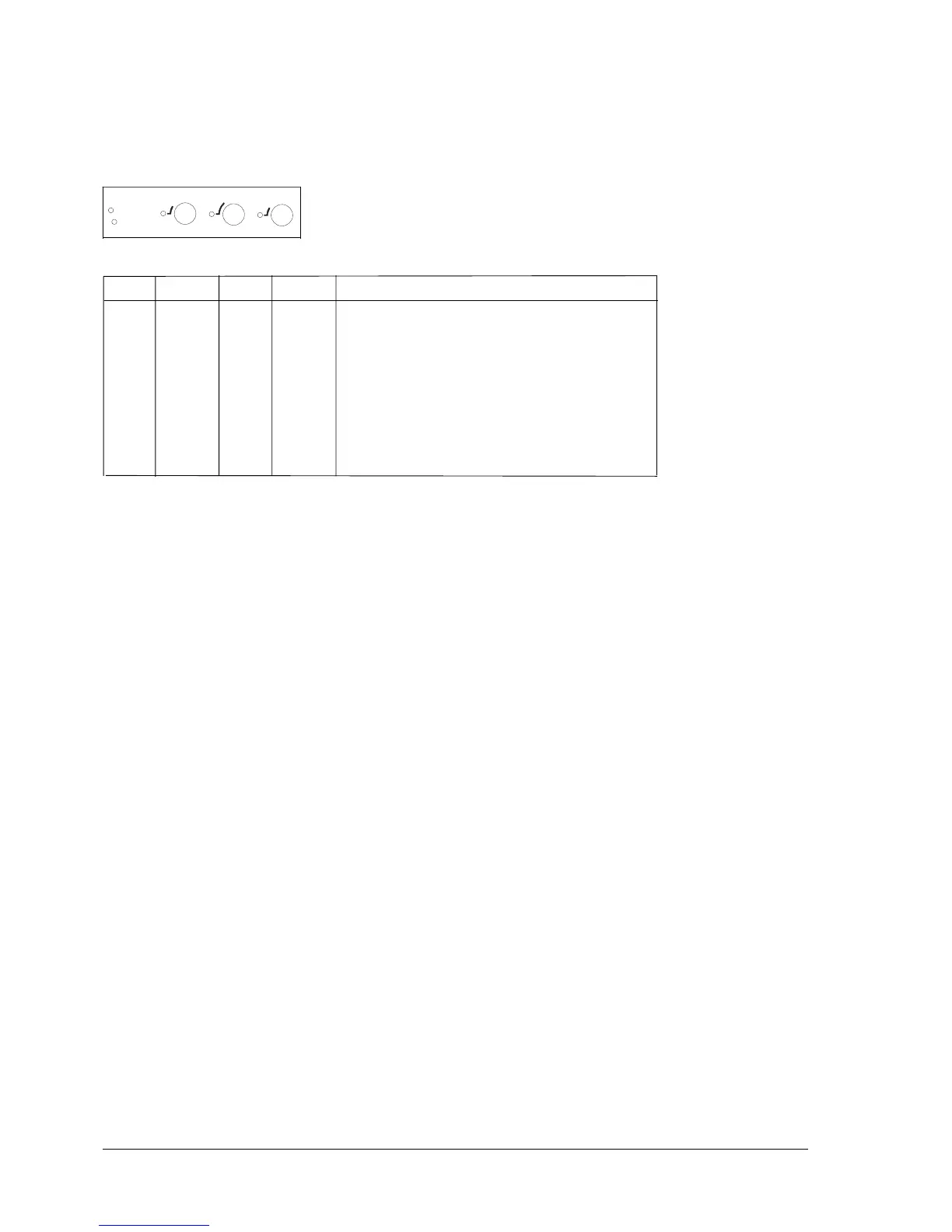
Ready Station1 Local Station2
X Photo 1 - Front paper alignment
X Photo 3 - Front paper alignment
XXPhoto 2 - Front paper alignment
X Photo 4 - Front paper alignment
XXPhoto 1 - Front paper presence
XX Photo 2 - Front paper presence
XXXCarriage reset print head photosensor
X Paper edge read print head photosensor
XXRear paper presence photosensor
The flow chart on the next page illustrates the procedure just explained.
S
t
a















 To Next Page