Controlling/Outputting in Parallel
FQ-CR2 User’s Manual
105
8
Communications with External Devices
Settings
[In/Out] − [I/O setting] − [I/O terminals] − [Output]
When one-shot output is selected as the output mode, make the following value smaller than the trigger input
period.
• One-shot delay time + One-shot output time
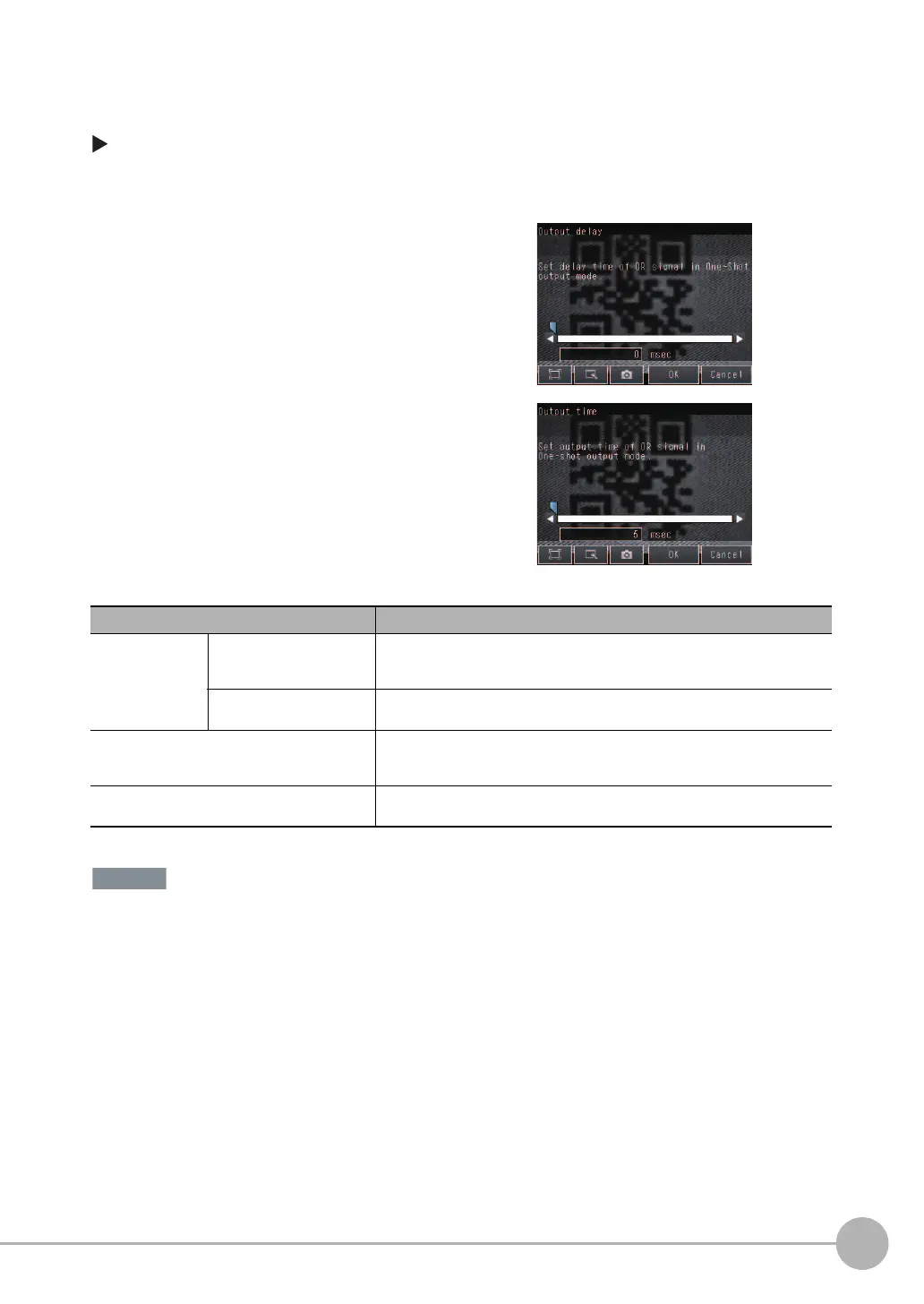
1 Press [Output mode] and press [Level output] or
[One-shot output].
2 Press [Output delay] and set the one-shot output de-
lay.
3 Press [OK].
4 Press [Output time] and set the one-shot output time.
5 Press [OK].
Item Description
Output mode One-shot output After the measurement results are finalized, if the judgement output ON condition
is met, the OR signal is turned ON for the one-shot output time. It is then turned
OFF once the specified time has expired.
Level output (default) The judgement is output after measurement results are finalized and the ON/OFF
status of the OR signal is held until it is changed for the next measurement result.
Output delay When one-shot output mode is selected, this parameter sets the delay from when
a measurement is completed until when the OR signal turns ON. (Setting range: 0
to 1,000 ms)
Output time When one-shot output mode is selected, this parameter sets the time that the OR
signal is ON. (Setting range: 1 to 1,000 ms)
FQ Sensor User Manual.book 105 ページ 2011年7月8日 金曜日 午後2時30分


 To Next Page
 Loading...


