View the Library State
The status bar at the top of the interface displays library health, which represents the
combined state of every component in the library.
• Operative
— the library is fully operational.
• Degraded — a device in the library has failed or is offline, but the library can
continue to function (such as a faulty drive).
• Failed — a device has failed and the library cannot function (such as a failed
robot).
Note:
Clicking the library state in the status bar displays the Library Health pop-up
which you can use to troubleshoot the library (see Determine the Possible
Cause of a Degraded or Failed Library State).
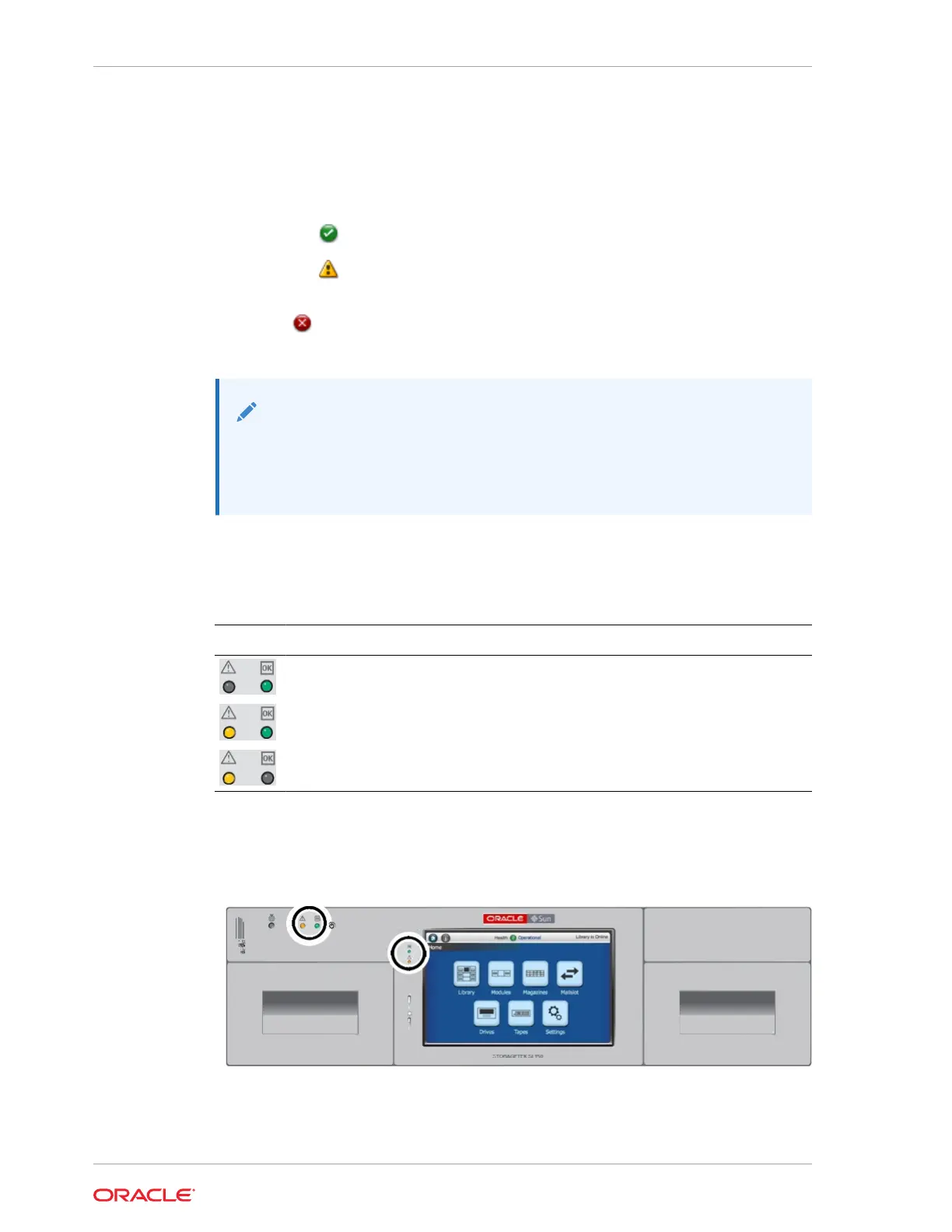
Library LED Status Indicators
LEDs on the front control panel and rear of the library indicate status.
Indicator Indicator State Meaning
Green OK is solid.
The library or component is fully operational.
Green OK is solid.
Amber ! is solid.
The library or component is degraded. It is still
operating but with reduced functionality.
Amber ! is solid.
The library or component has failed and cannot
perform its function.
Indicator Locations
Figure 8-1 LEDs on Front of Base Module
Chapter 8
View the Library State
8-2














 To Next Page