Related Topics
• Cable the Library
Connects cables to the Base and Expansion Modules, drives, power, and network
ports.
Expansion Module Chassis Removal and Replacement
(FRU)
The entire Expansion Module is a FRU that can be removed and replace by Oracle
service.
The Expansion Module is a field-replaceable unit (FRU) and must be serviced by an
Oracle service person. Customers should not replace the Expansion Module.
You must transfer cartridge magazines, tape drives, tape drive fillers, power supplies,
power supply fillers, and the module controller from the failed module to the FRU, as
applicable. You might need to remove operational modules to access the defective
one.
• Remove an Expansion Module
• Replace the Expansion FRU Chassis
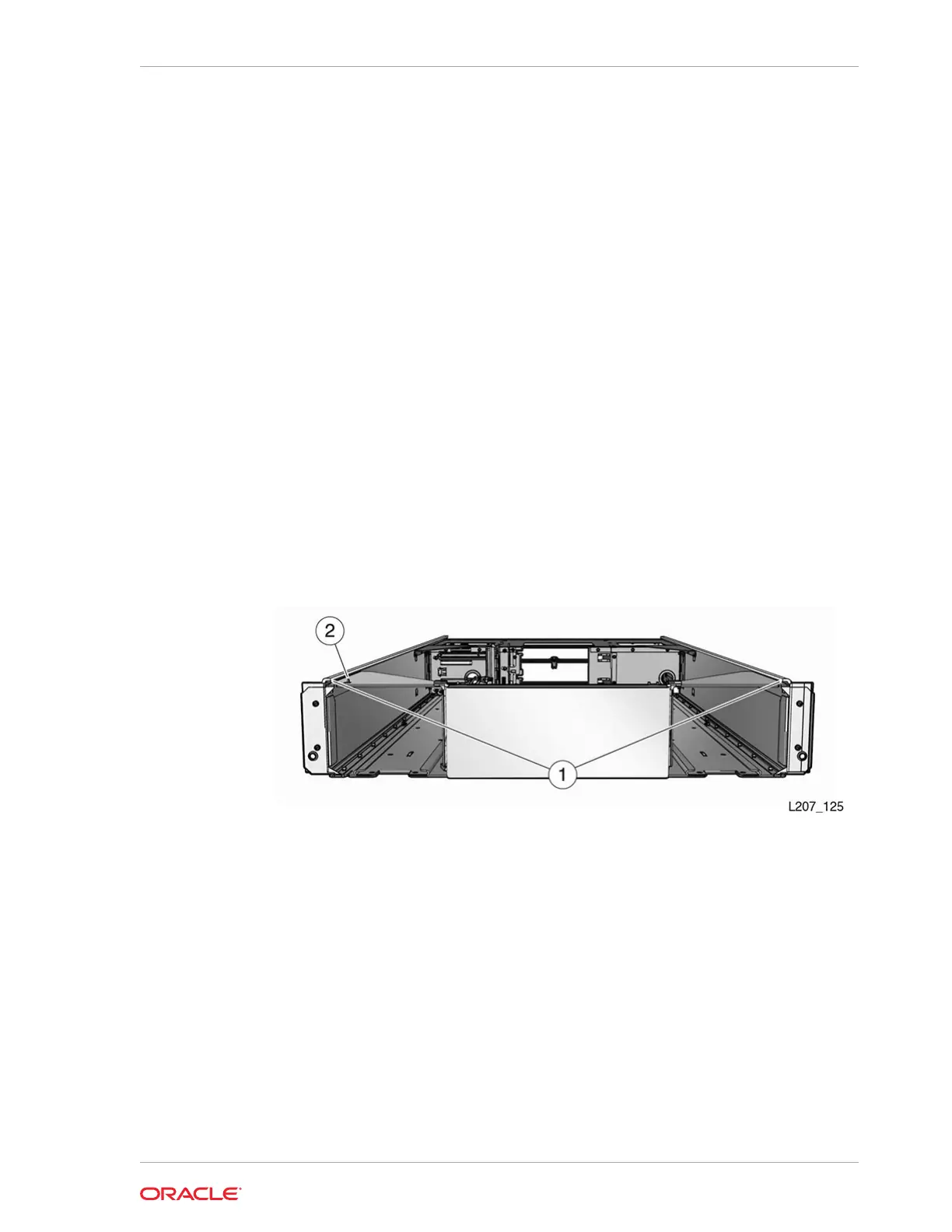
Figure 10-5 Expansion Module FRU
Illustration Legend:
1 - Flange
2 - Tab
Remove an Expansion Module
Removal of the Expansion Module is complicated and must be performed by an
Oracle Service representative.
• Power Down, Lock the Robot, and Remove Magazines
• Remove the Floor, Cables, and Cords
• Remove Operational Expansion Modules Below the Defective Module
Chapter 10
Expansion Module Chassis Removal and Replacement (FRU)
10-17














 To Next Page