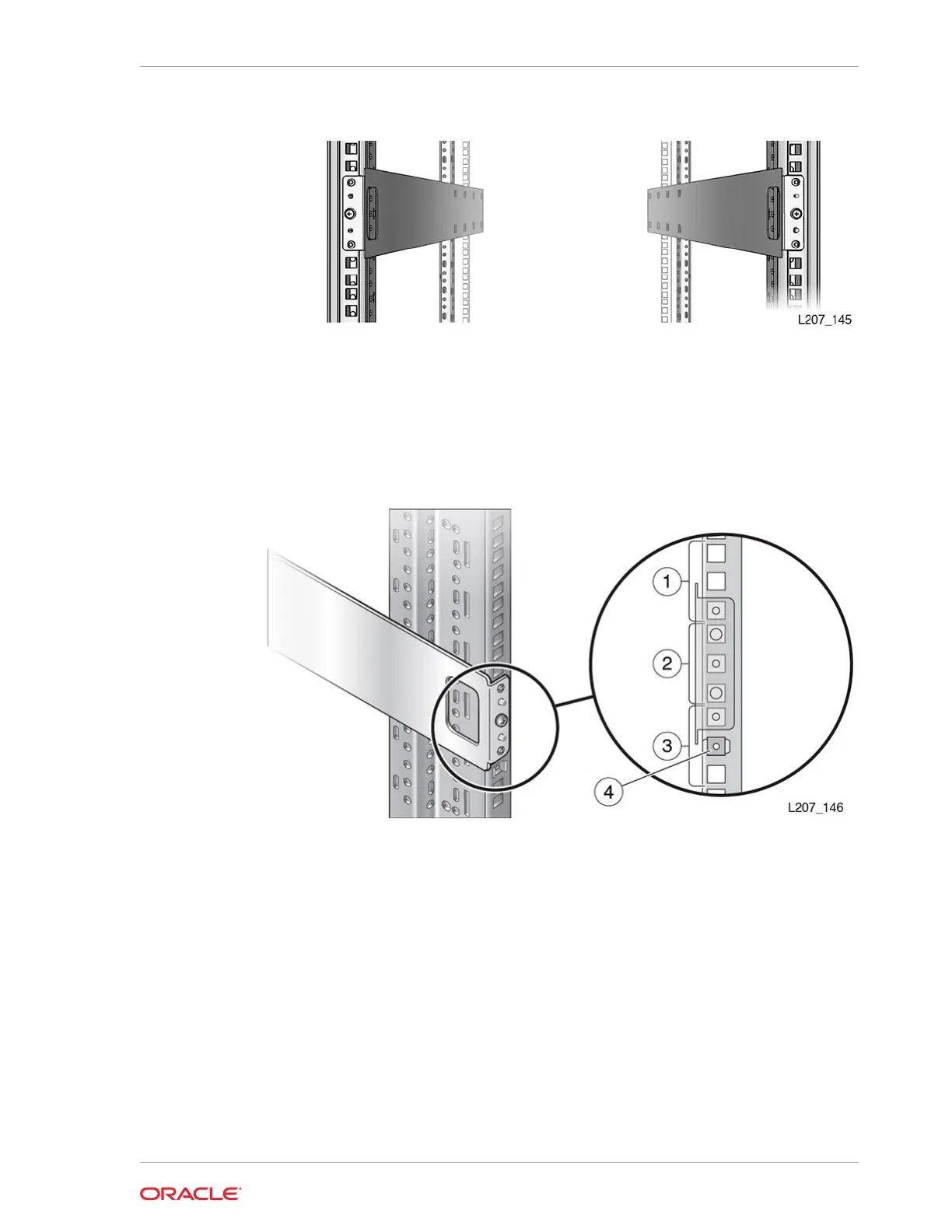
Figure 2-7 Rails Installed - Front View
Install the Clip Nuts (square hole racks only)
Racks with square holes require a clip nut and a 10–32 X 5/8 screw. The square clip
nut is placed on the inside of the rack stile.
Figure 2-8 Clip Nut Location for the Base Module
Illustration Legend:
1 - First U
2 - Second U
3 - Third U
4 - Clip Nut in the Second Hole of the Third U
1. Locate the hole immediately below the front rail (second hole in the third U).
2. Seat one edge of the clip nut into the hole from the rear of the rack stile.
Chapter 2
Install the Base Module
2-11














 To Next Page