7. Verify that the OK indicator is active on the power supply. If not, continue to
Validate the Component Installation.
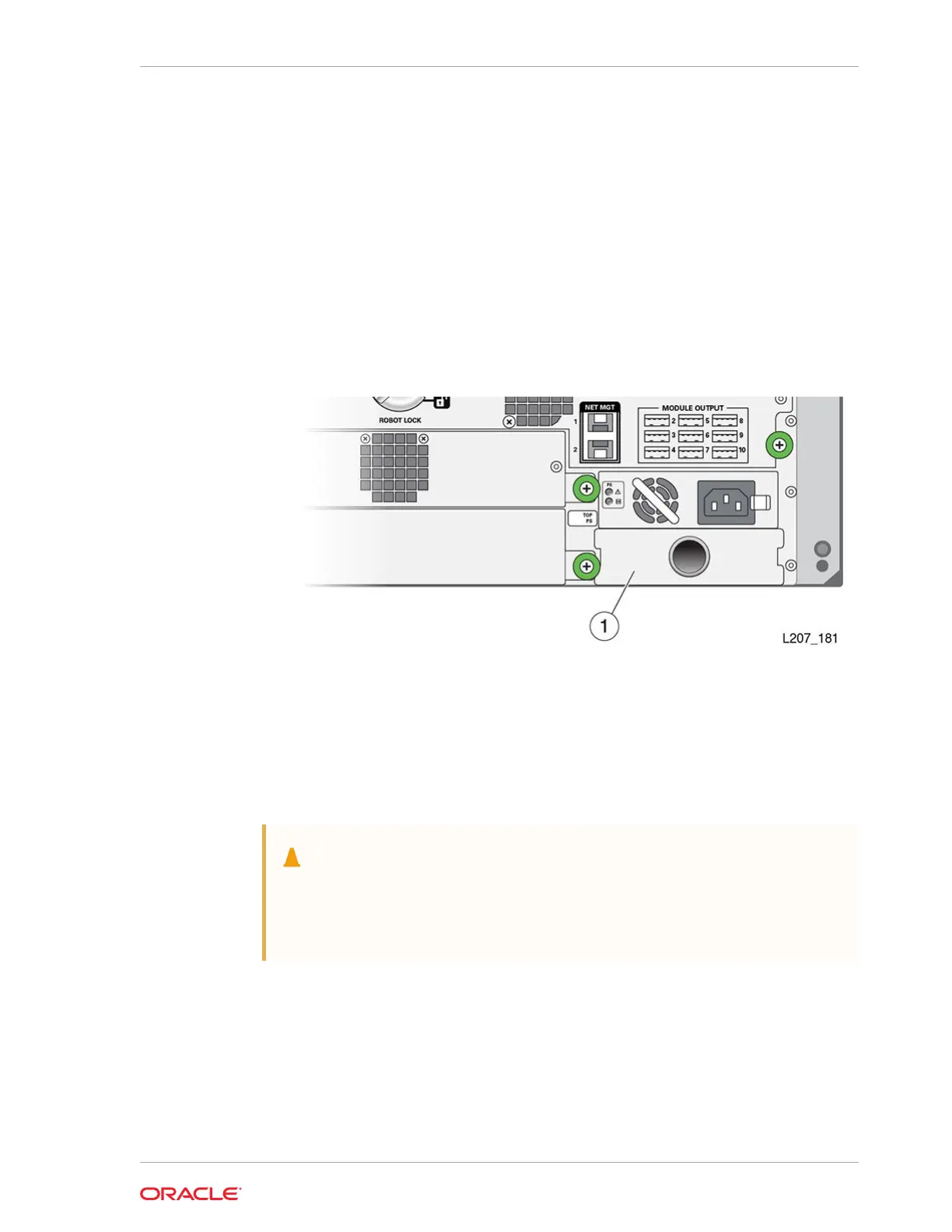
Install a Power Supply Slot Cover
The filler covers an empty power supply slot.
1. Position the cover with the spring fingers facing up.
2. Insert the tabs on the right side of the cover into the power supply slot until the
notch is near the module frame.
3. Seat the cover notch against the module frame edge.
4. Push the left side of the cover into the power supply slot.
Front Control Panel Removal and Replacement
The front control panel is a CRU located at the front of the Base Module.
• Remove the Front Control Panel
• Replace the Front Control Panel
Caution:
The front control panel maintains the product serial number and customer
settings. After installing the panel, you must power-cycle the library before
installing any other component.
Chapter 10
Front Control Panel Removal and Replacement
10-7














 To Next Page