2 - Tall Metal Part with Sharp Edges
3 - Flange (Long Section)
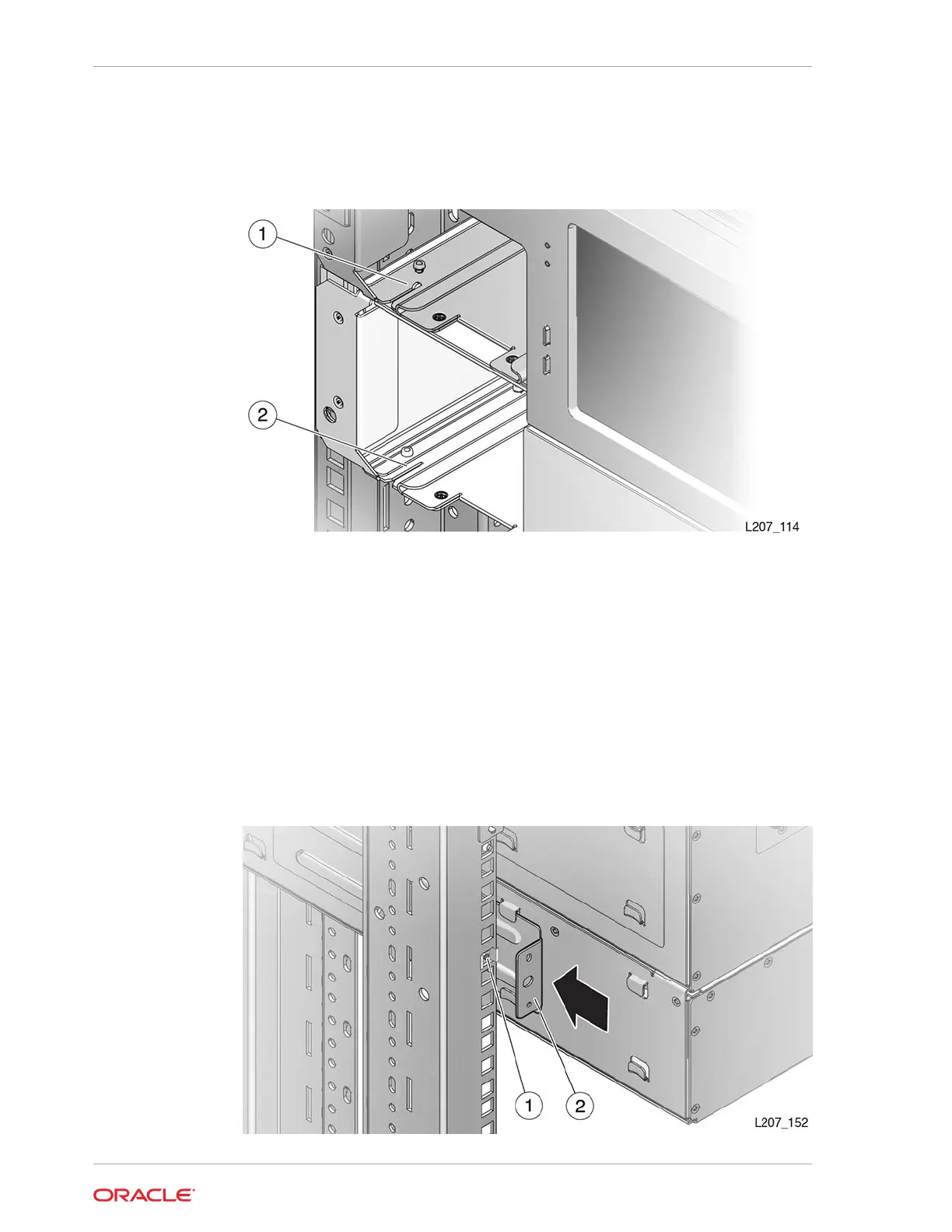
Figure 2-19 Alignment Tab Seated
Illustration Legend:
1 - Tab Seated in Slot
2 - Slot in Magazine Bay
Install the Rear Rails for the Expansion Module
The rear rails secure the Expansion Module to the rear of the rack.
1. Slide the back rail under the Expansion Module tabs (see Figure 2-20).
Figure 2-20 Expansion Module Back Rail and Clip Nut
Chapter 2
Install the Expansion Module
2-22














 To Next Page