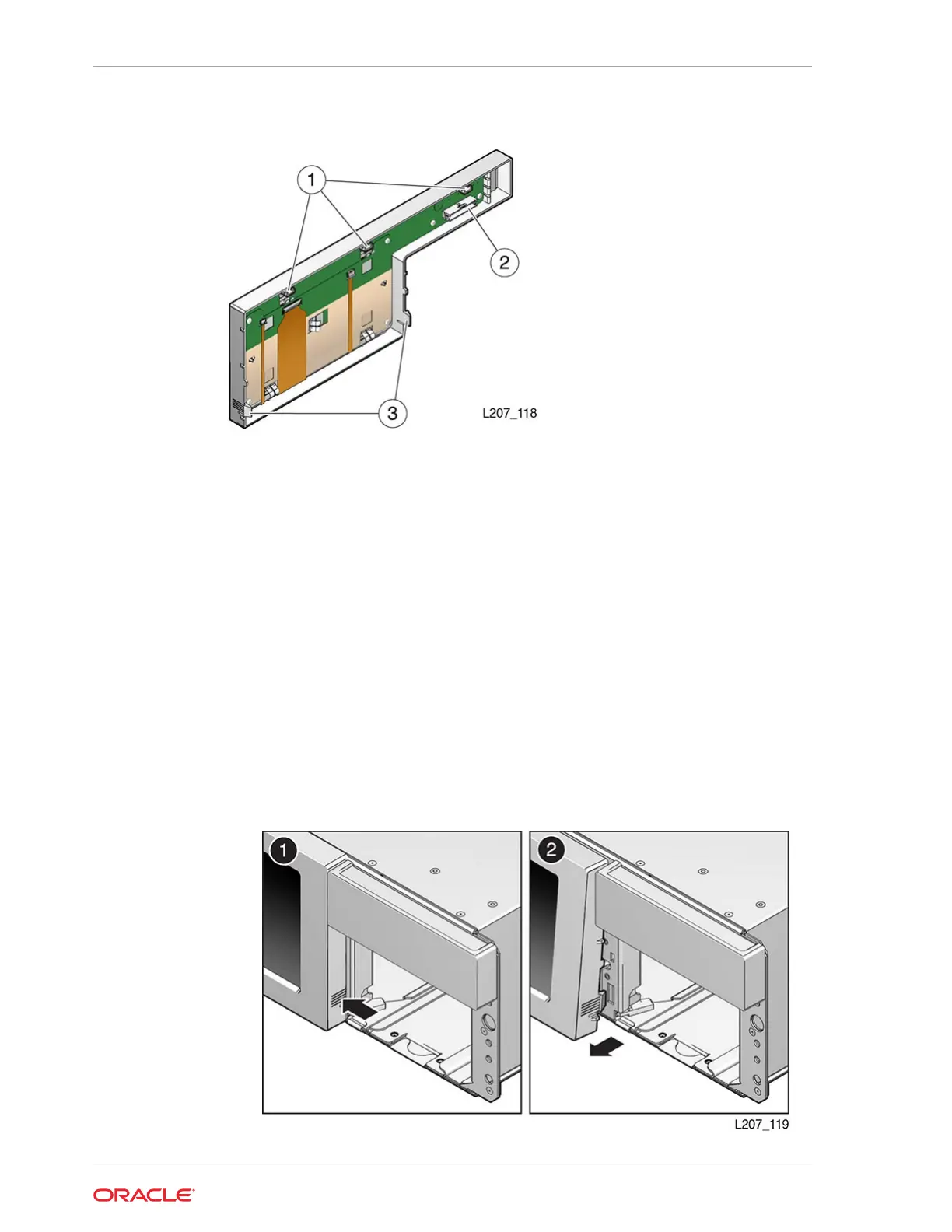
Figure 10-3 Rear View of the Front Control Panel
Illustration Legend:
1 - Tabs
2 - Jack
3 - Latches
Remove the Front Control Panel
The front control panel latches into the front of the Base Module. Use care when
removing the panel.
1. Power down the library (see Power Off the Library).
2. Remove both cartridge magazines from the Base Module (see Unlock and
Remove the Magazines).
3. Press the latch inside each magazine bay inner wall and pull the bottom edge of
the panel away from the module until the panel unlatches (see image below).
Chapter 10
Front Control Panel Removal and Replacement
10-8














 To Next Page