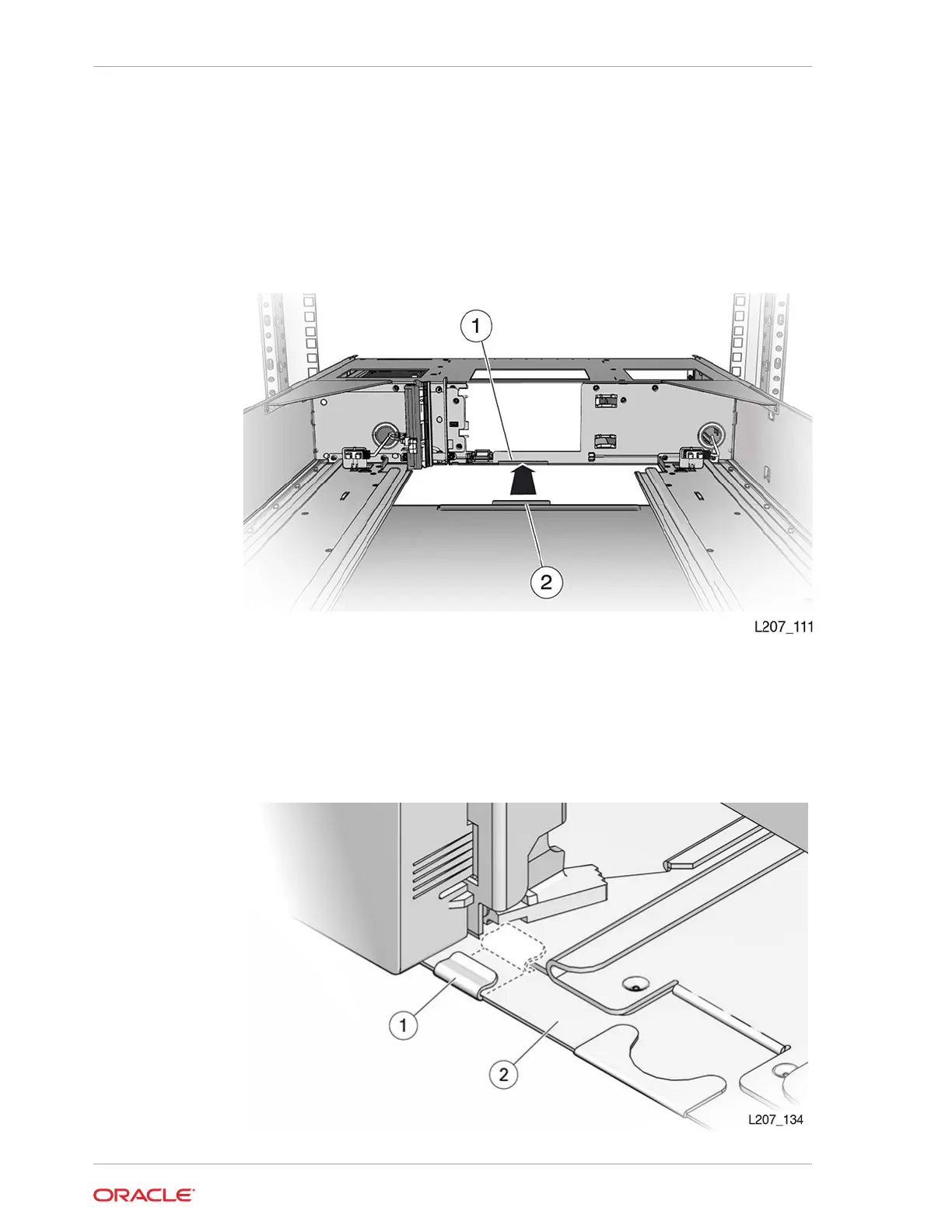
3. Insert the rear edge of the floor into the grooves at the bottom of the module.
4. Push the floor in and engage the rear floor tab with the module slot (see
Figure 2-16).
5. Push the floor in and seat the floor clip in each magazine bay (see Figure 2-17).
6. Turn the module over and verify the floor clips properly engage the chassis.
Figure 2-16 Library Floor
Illustration Legend:
1 - Floor Slot
2 - Floor Tab
Figure 2-17 Floor Secured
Chapter 2
Install the Expansion Module
2-20














 To Next Page