Install the Expansion Module
Install up to 14 Expansion Modules below the Base Module to increase drive and
cartridge capacity.
Installing the Expansion Module involves the following tasks:
• Unpack the Expansion Module Accessory Kit
• Remove the Library Floor
• Install Clip Nuts for the Expansion Module (for square hole racks only)
• Prepare the Expansion Module by Removing the Cartridge Magazines
• Mount the Expansion Module
• Install the Rear Rails for the Expansion Module
• Secure the Expansion Module to the Rack Front
• Replace the Cartridge Magazines
Tools Required
#2 Phillips screwdriver.
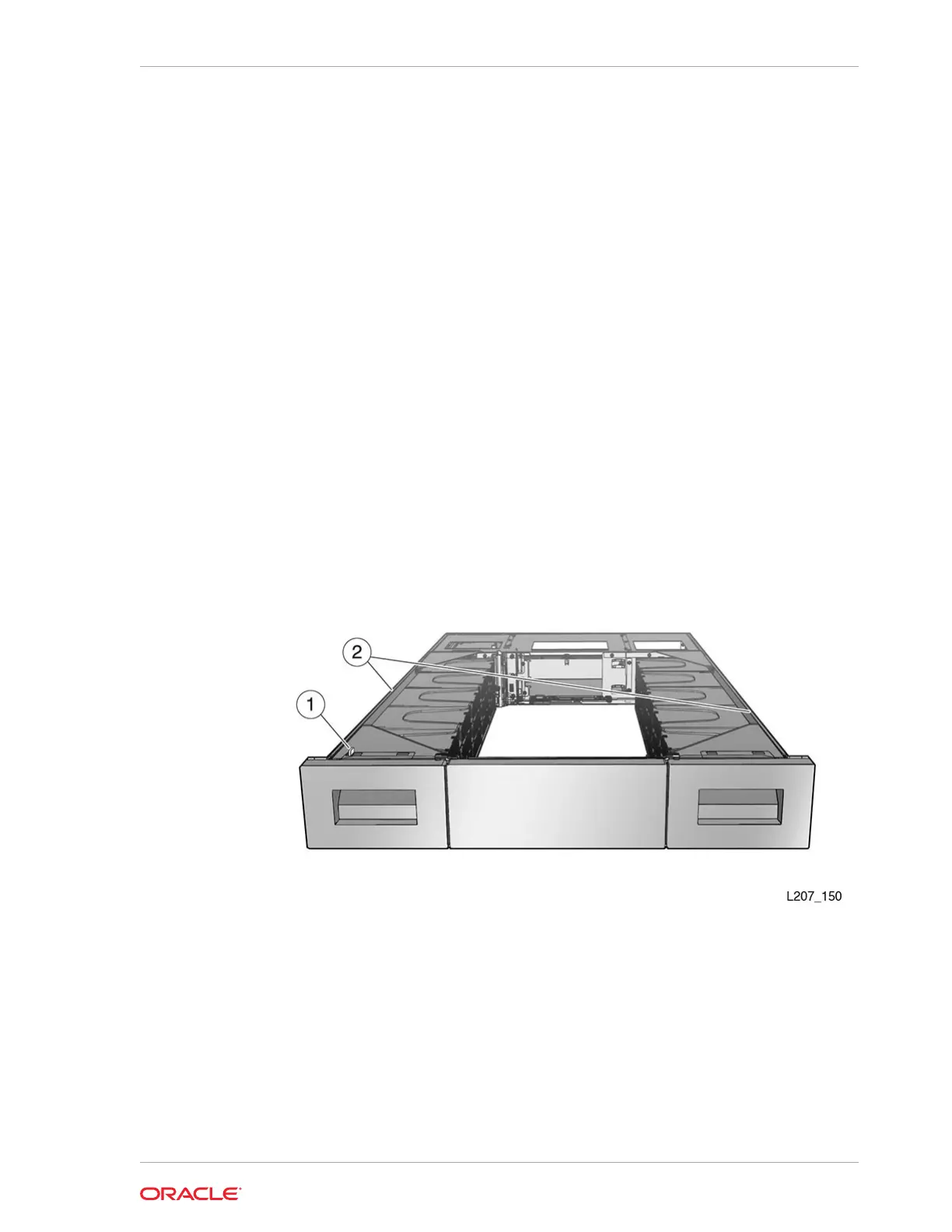
Figure 2-11 Expansion Module
Illustration Legend:
1 - Alignment Tab
2 - Flanges
Related Topics
• Expansion Module
An Expansion Module provides additional cartridge storage and tape drive
capacity. You can install up to 14 Expansion Modules below the Base Module.
Chapter 2
Install the Expansion Module
2-15














 To Next Page