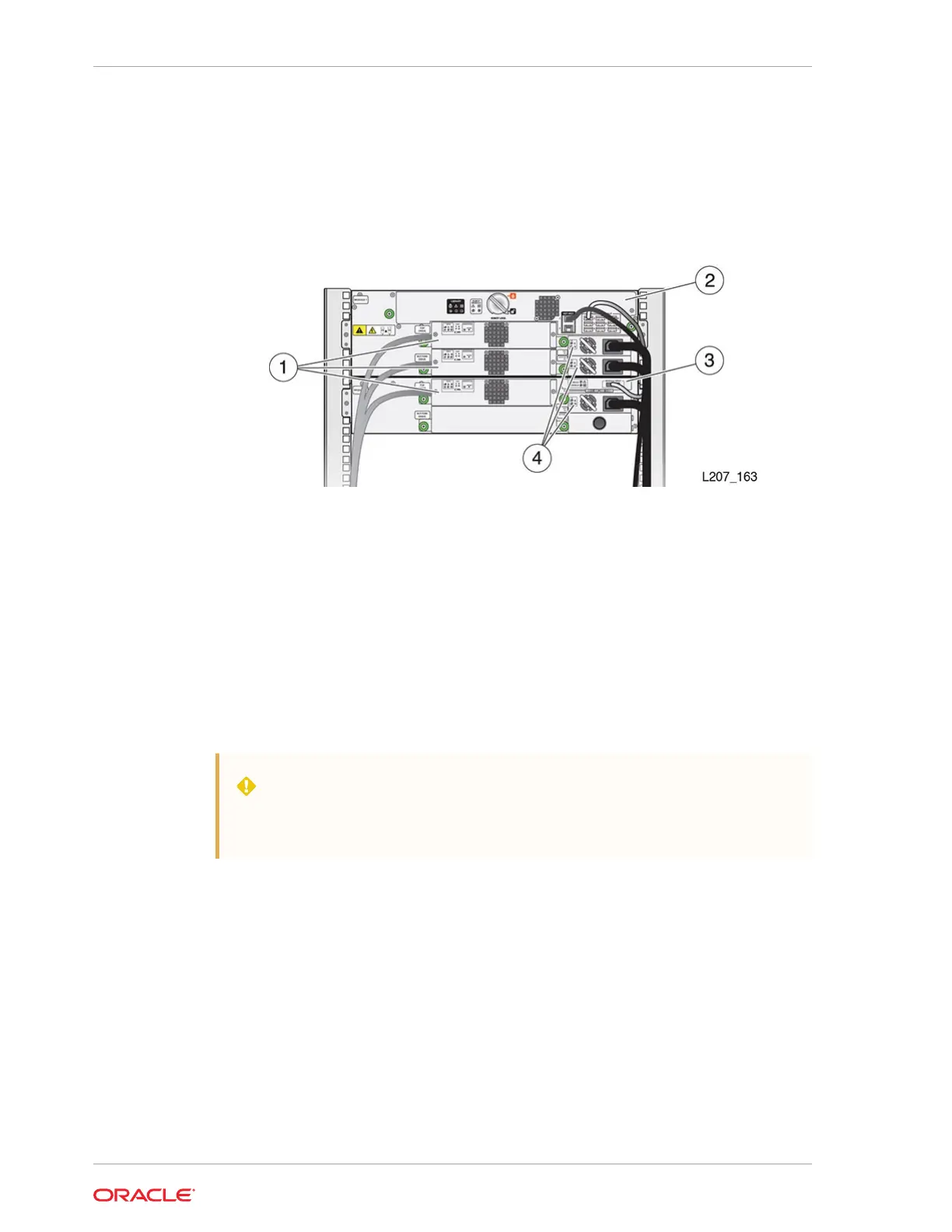
CRU Locations
CRUs include the front control panel, drive tray, robot module, module controller, and
power supply.
Illustration Legend:
1 - Tape Drive Tray
2 - Robot (in the Base Module)
3 - Module Controller (in the Expansion Module)
4 - Power Supply
Drive Tray Removal and Replacement
The drive tray is a CRU that can be removed and replaced while the library is online.
WARNING:
Do not operate the library with an open and empty power supply or tape
drive slot. Always have a cover in place.
• Remove the Drive Tray
• Replace the Drive Tray
• Remove the Drive Slot Cover
• Install the Drive Slot Cover
Chapter 10
CRU Locations
10-2














 To Next Page