3. Identify the tape drive firmware version and upgrade if necessary. See Update
Firmware.
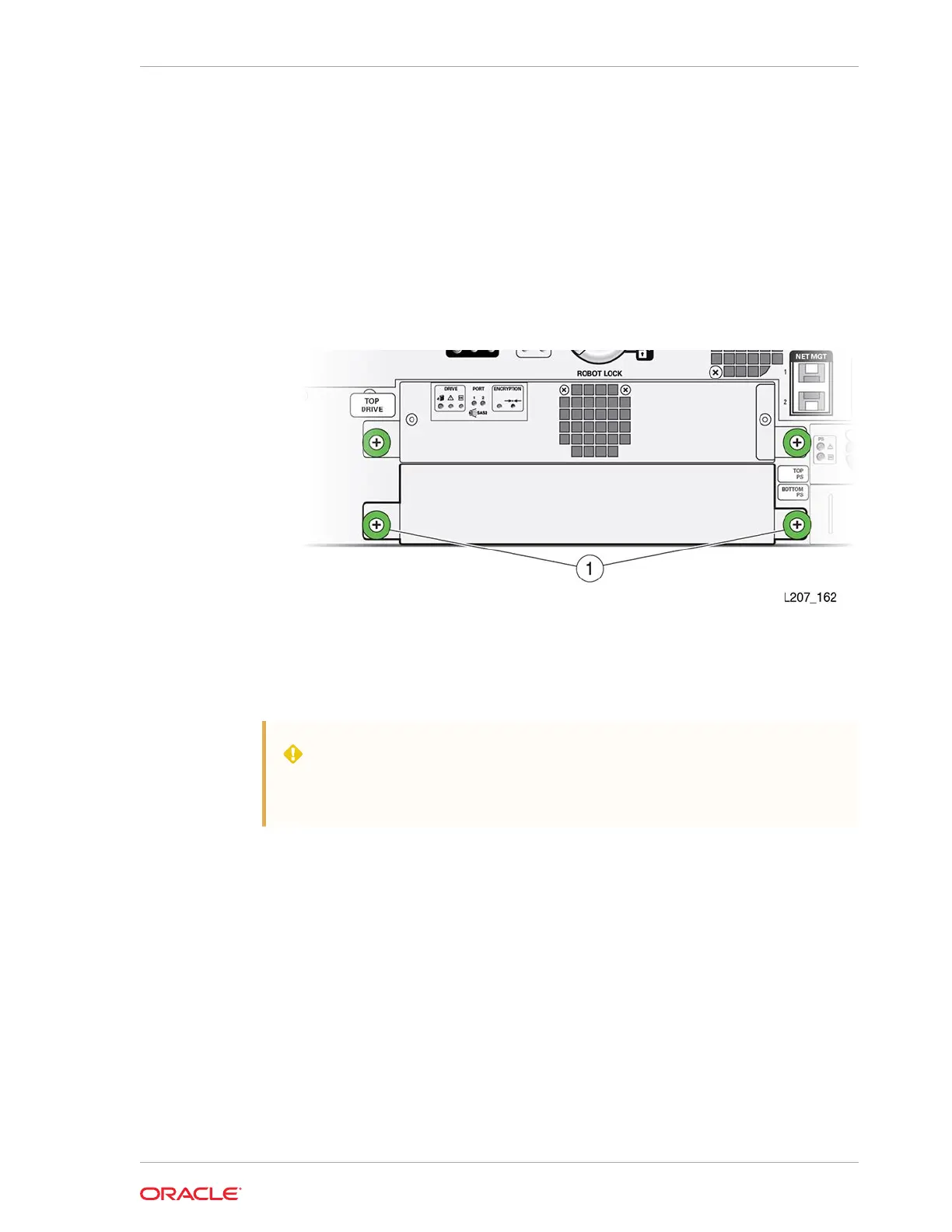
Install the Drive Slot Cover
A drive filler covers an empty drive tray slot.
1. Position the tape drive cover with the spring fingers facing up.
2. Grasp the captive screws and guide the cover into the tape drive slot.
3. Tighten both thumbscrews.
Power Supply Removal and Replacement
The power supply is a CRU that can easily be removed and replaced.
WARNING:
Do not operate the library with an open and empty power supply or tape
drive slot. Always have a cover in place.
• Remove the Power Supply
• Replace the Power Supply
• Remove the Power Supply Slot Cover
• Install a Power Supply Slot Cover
Chapter 10
Power Supply Removal and Replacement
10-5














 To Next Page