2. Pull the plunger back from the rivet face.
3. Align the rivet with the hole beside the module controller.
4. Push the rivet into the hole.
5. Push the plunger in to secure the rivet.
Install Power Supplies and Tape Drives
Power supplies and tape drives install into the rear of each module.
Note:
If you are not installing additional drives or power supplies, skip to Cable the
Library.
• Remove the Power Supply Slot Cover
• Insert a Power Supply into the Slot
• Remove the Drive Slot Cover
• Insert a Tape Drive Tray into the Slot
You can add power supplies and tape drives while the library is powered-on. However,
you must restart the library for it to recognize the tape drives if the library is not set to
address all drive slots.
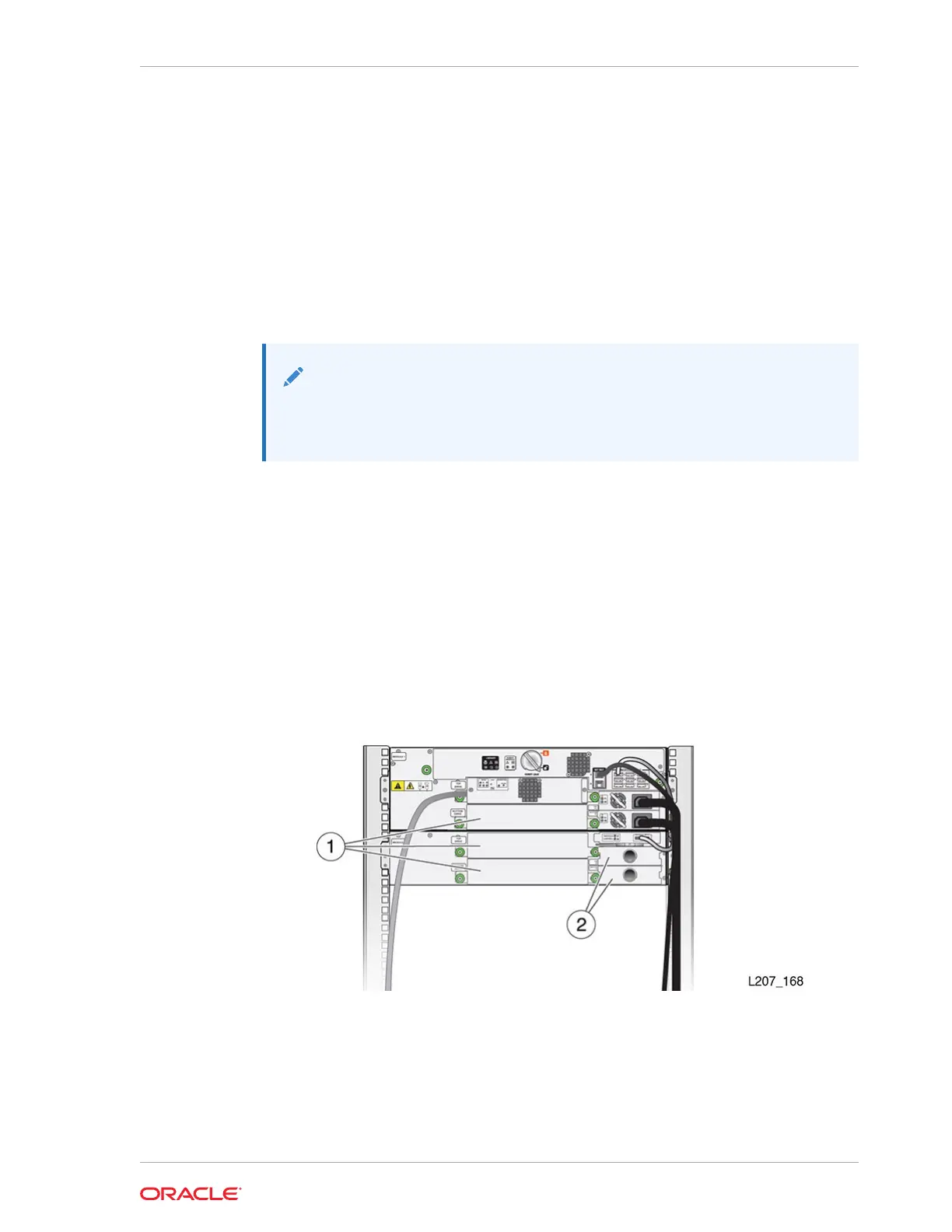
Figure 2-23 SL150 Library Rear View
Illustration Legend:
1 - Tape Drive Filler
2 - Power Supply Filler
Chapter 2
Install Power Supplies and Tape Drives
2-25














 To Next Page