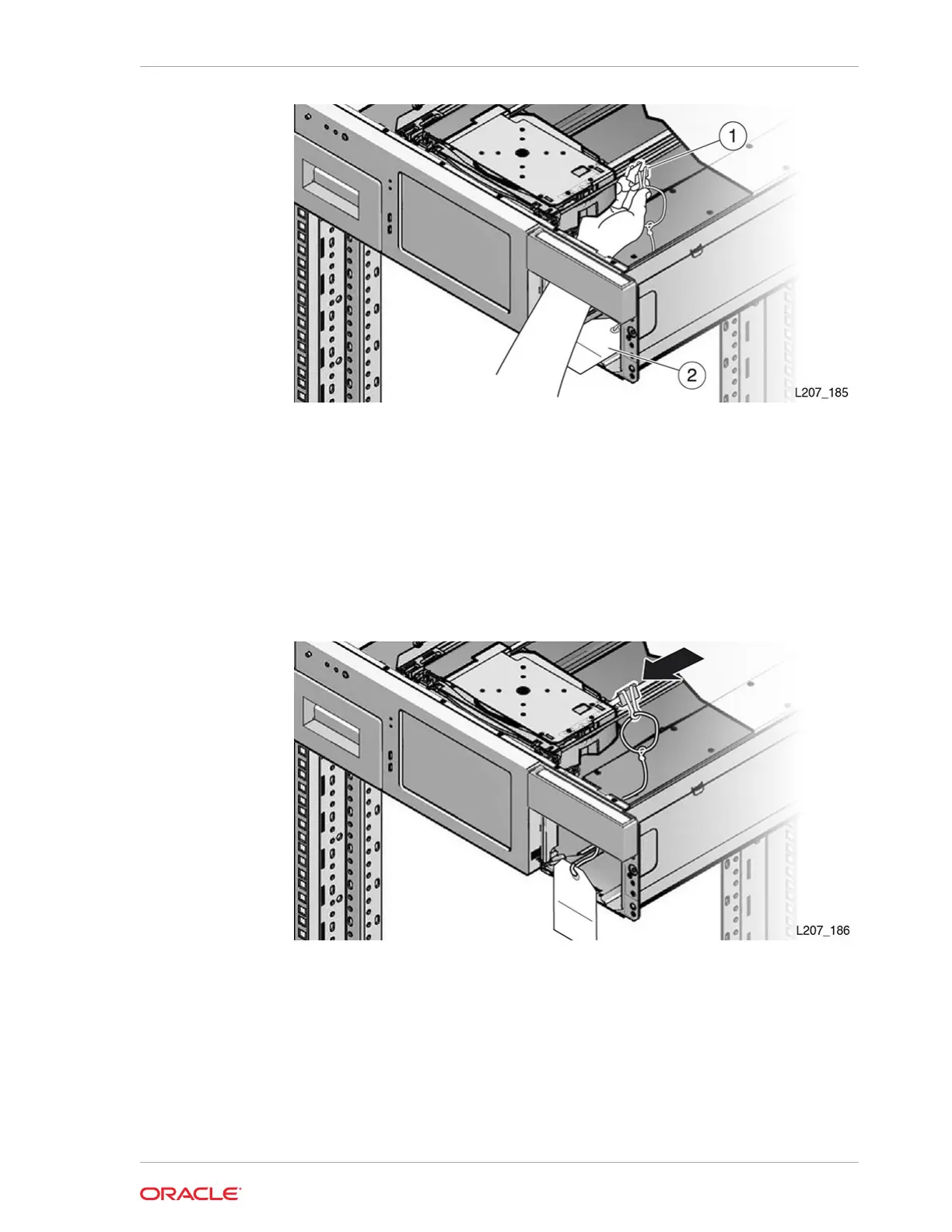
Illustration Legend:
1 - Opened Shipping Clip
2 - Instruction Tag
4. Squeeze the clip to reduce the clamping force on the shaft and slide the clip
toward the hand assembly (see image below). The hand will be contained
between the front wall and the clip.
5. Guide the instruction tag out of the cartridge magazine slot. Route the string and
instruction tag between the mailslot and right side of the front control panel and set
it on top of the Base Module (see image below).
Chapter 10
Lock the Robot for Shipment within a Rack
10-27














 To Next Page