183
3. Counter current value (code: CNT)
(1) Counter current value setting
This command sets the counter current value of the file selected by the file number command (FNO).
Note that the counter value set is saved even turning OFF the power supply of he laser marker.
As for the response data, either normal reception response data or abnormal reception response data is
returned.
Refer to “Response Data” (P.174) for details of both normal reception response data and abnormal reception
response data.
(2) Counter current value readout
This command reads out the selected counter current value.
As for the response data, either normal reception response data or abnormal reception response data is
returned.
Refer to “Response Data” (P.174) for details of the abnormal reception response data.
Readout response data
Description of data
4. Counter reset (code: CTR)
(1) Counter reset
This command sets the counter of the file selected by the file number change command (FNO) to the initial
value.
As for the response data, either normal reception response data or abnormal reception response data is
returned.
Refer to “Response Data” (P.174) for details of both normal reception the abnormal reception response
data.
Name
Data
length
Outline Content
Current value 8
Cur
rent value of the counter. No negative
value is
existed.
“00000000” to “99999999”
• CNT command is available after the file No. changing command (FNO) is set by RS-232C.
• CTR command is available after the file No. changing command (FNO) is set by RS-232C.
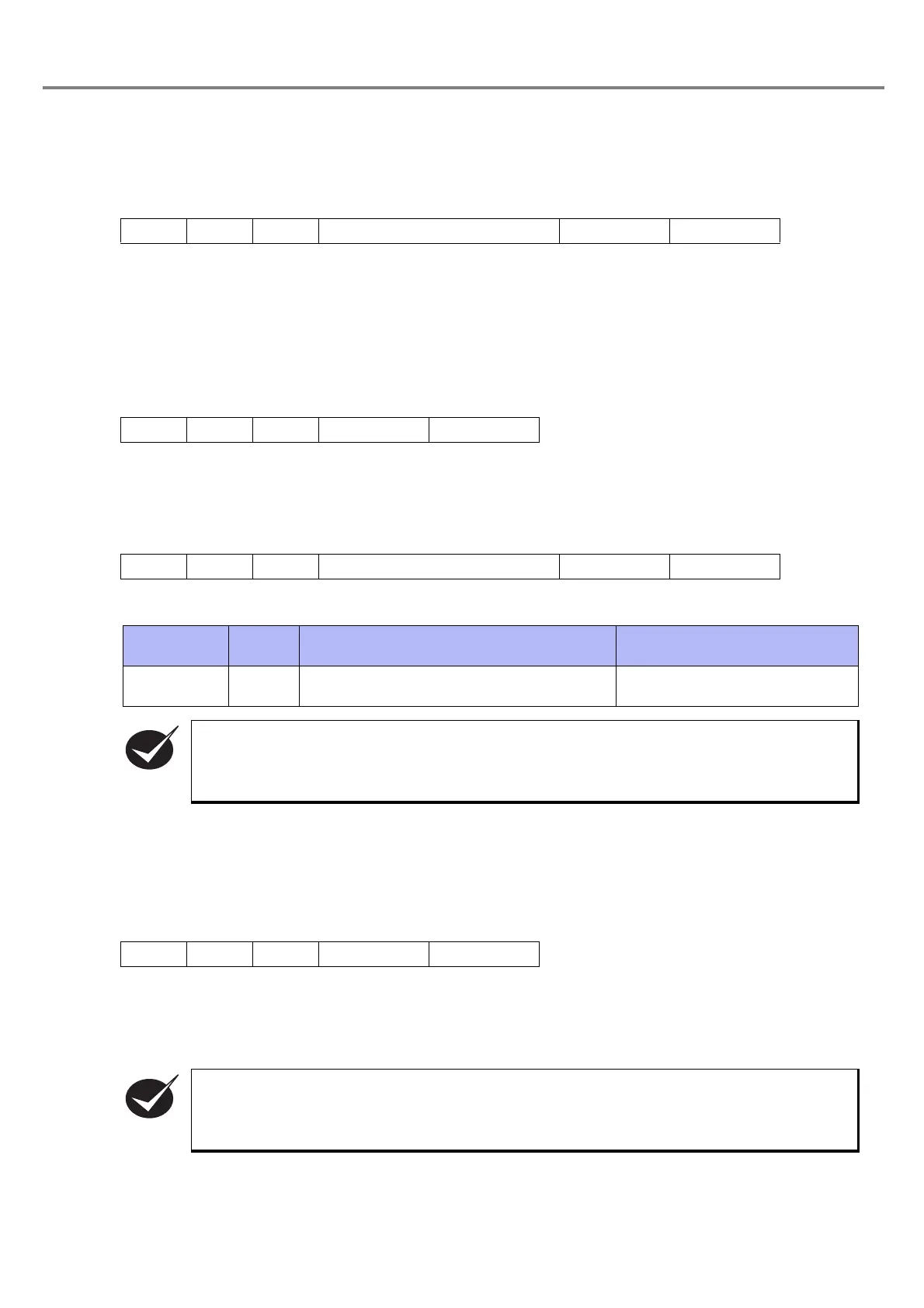
STX CNT N [Counter current value] (8 Bytes)
(Check sum)
Delimiter
STX CNT R
(Check sum)
Delimiter
STX CNT N [Counter current value] (8 Bytes)
(Check sum)
Delimiter
STX CTR S
(Check sum)
Delimiter



 To Next Page