182
2. Arbitrary character string (code: STR)
(1) Arbitrary character string setting
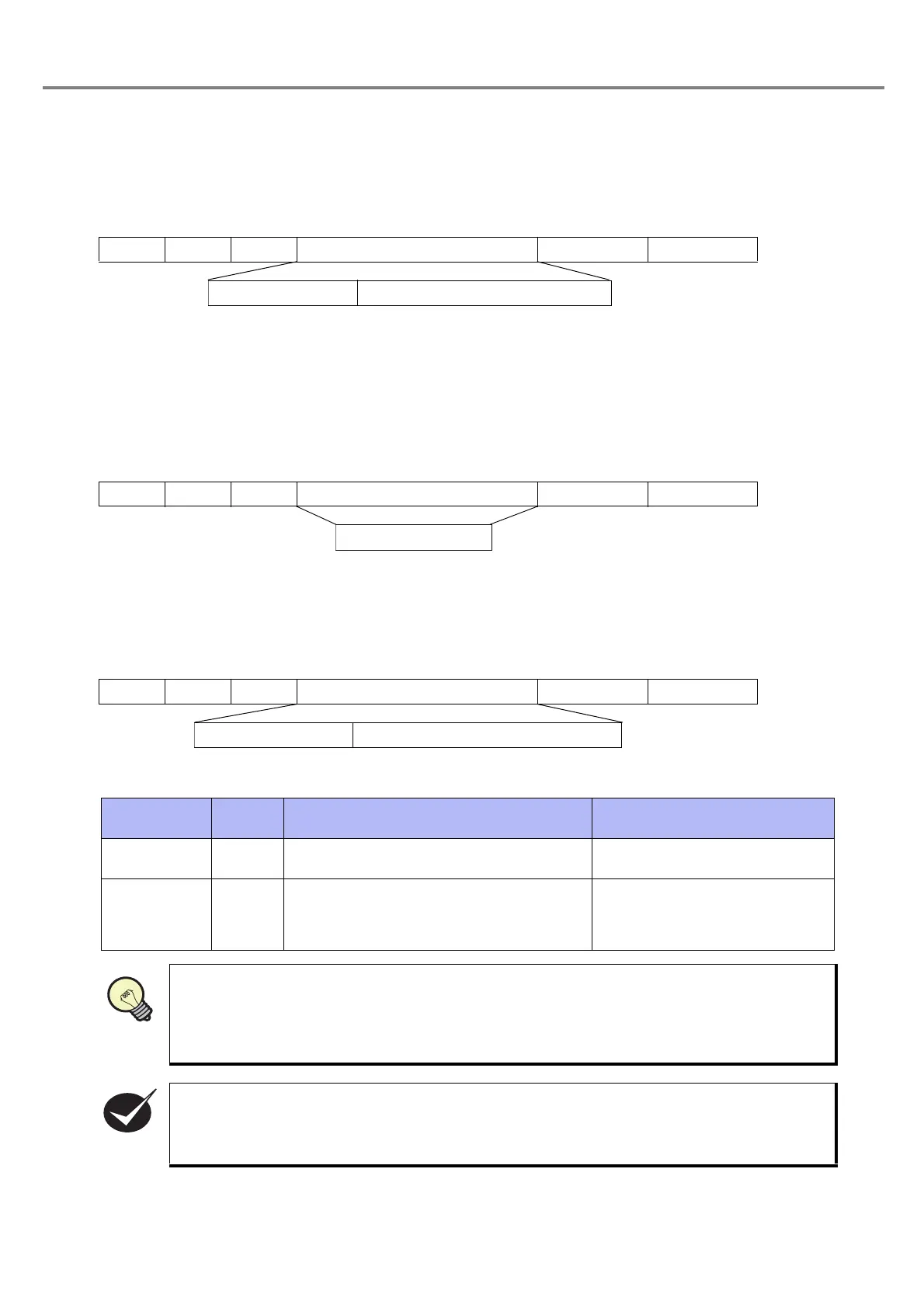
This command sets the arbitrary character string of the file selected by file number change (FNO) using
ASCII code. The character string set is kept until the next setting is performed or until the file is changed.
After changing file and turning OFF the power supply of the laser marker, the character string is cleared.
As for the response data, either normal reception response data or abnormal reception response data is
returned.
Refer to “Response Data” (P.174) for details of both normal reception response data and abnormal reception
response data.
(2) Arbitrary character string readout
This command reads out the specified marking character string.
As for the response data, either normal reception response data or abnormal reception response data is
returned.
Refer to “Response Data” (P.174) for details of the abnormal reception response data.
Readout response data
The marking character string with specified line number is readout in the following format.
Description
Name
Data
length
Outline Content
Character
string No.
1
Indicates the character string number to be
set in the file.
[Character string No.] ( “1” to “4” )
Marking
character
string
Max. 30
Indicates the arbitrary character string to be
marked.
The character string is set using ASCII
code.
Refer to “ASCII Code” (P.198) for
details of ASCII code.
Set the marking character string using the ASCII code (applicable codes: 0x20 to 0x7E except
for control codes 0x00 to 0x1F and 0x7F).
E.g.) In case of marking character string “#ABC12345” :
23, 41, 42, 43, 31, 32, 33, 34, 35••• “#ABC12345”
(The values are indicated with hexadecimal numbers.)
The arbitrary character string (character string Nos. 1 to 4) is required the preset on the charac-
ter string setting screen. Refer to “(5) Input optional character string” (P.100) in "3-3-3 Input of
Function Character" for details.
STX STR S Data (Max. 31 Bytes)
(Check sum)
Delimiter
Character string No. Marking character string
STX STR R Data (1 Byte)
(Check sum)
Delimiter
Character string No.
STX STR A Data (Max. 31 Bytes)
(Check sum)
Delimiter
Character string No. Marking chacter string



 To Next Page