All-New Event Presentation Switching Solutions
User Manual
7 Event Management Software PixelFlow
Notes
None
Interface Example (P20)
Description
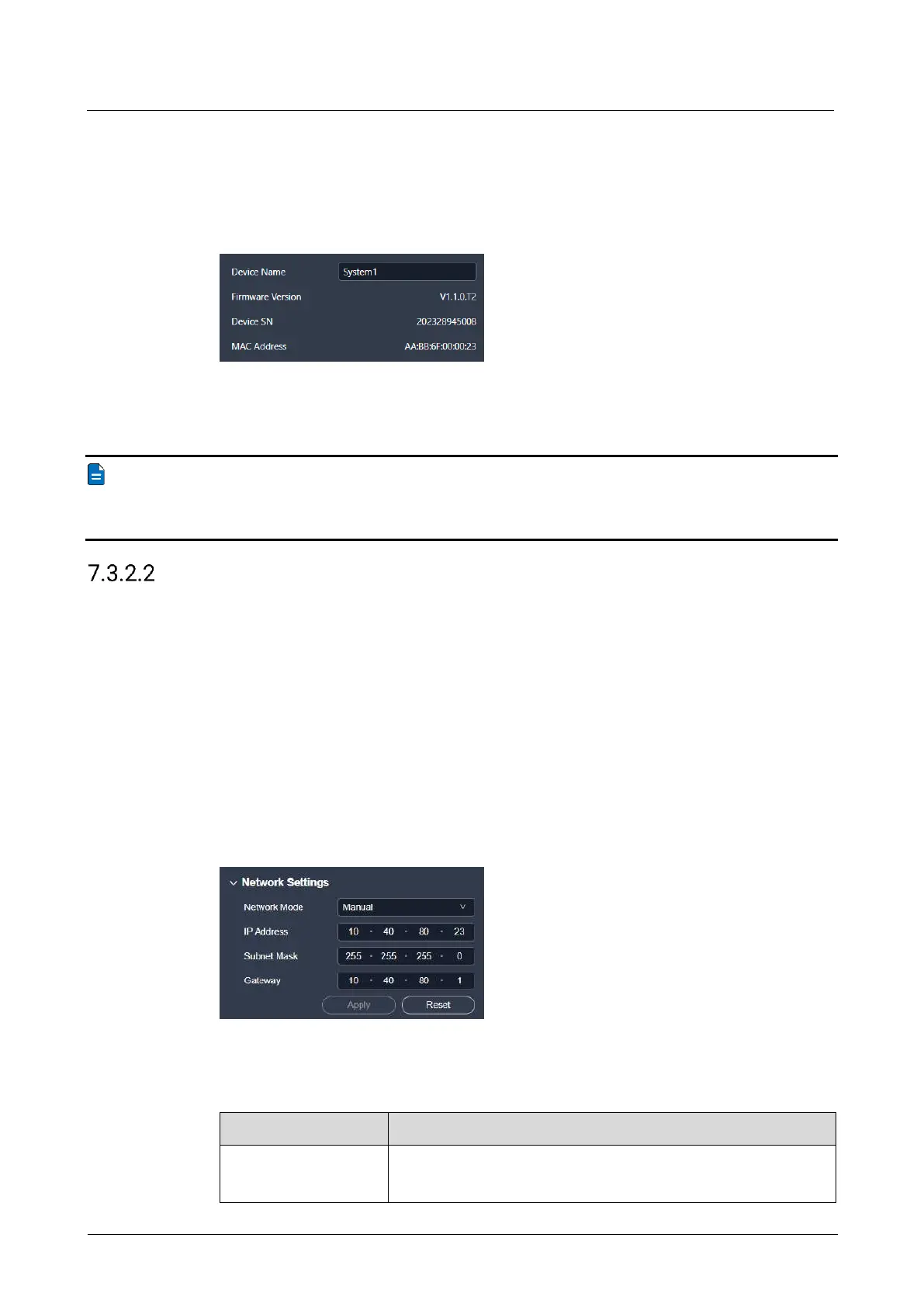
Enter a name for the device in the text box next to Device Name.
Note
In the device list on the left side of the interface, you can also right click the device
name and select Rename from the context menu to change the device name as well.
Configure IP Address
Manually set a static IP address for the device or let the device to automatically
obtain an IP address.
Prerequisites
None
Notes
None
Interface Example (P20)
Description
Configure the following parameters and click Apply to make the settings take effect.
Select the IP configuration method.
Manual: Manually set a static IP address for the device.



 To Next Page