All-New Event Presentation Switching Solutions
User Manual
7 Event Management Software PixelFlow
DHCP: The device automatically obtains an IP address.
The subnet mask of the IP address
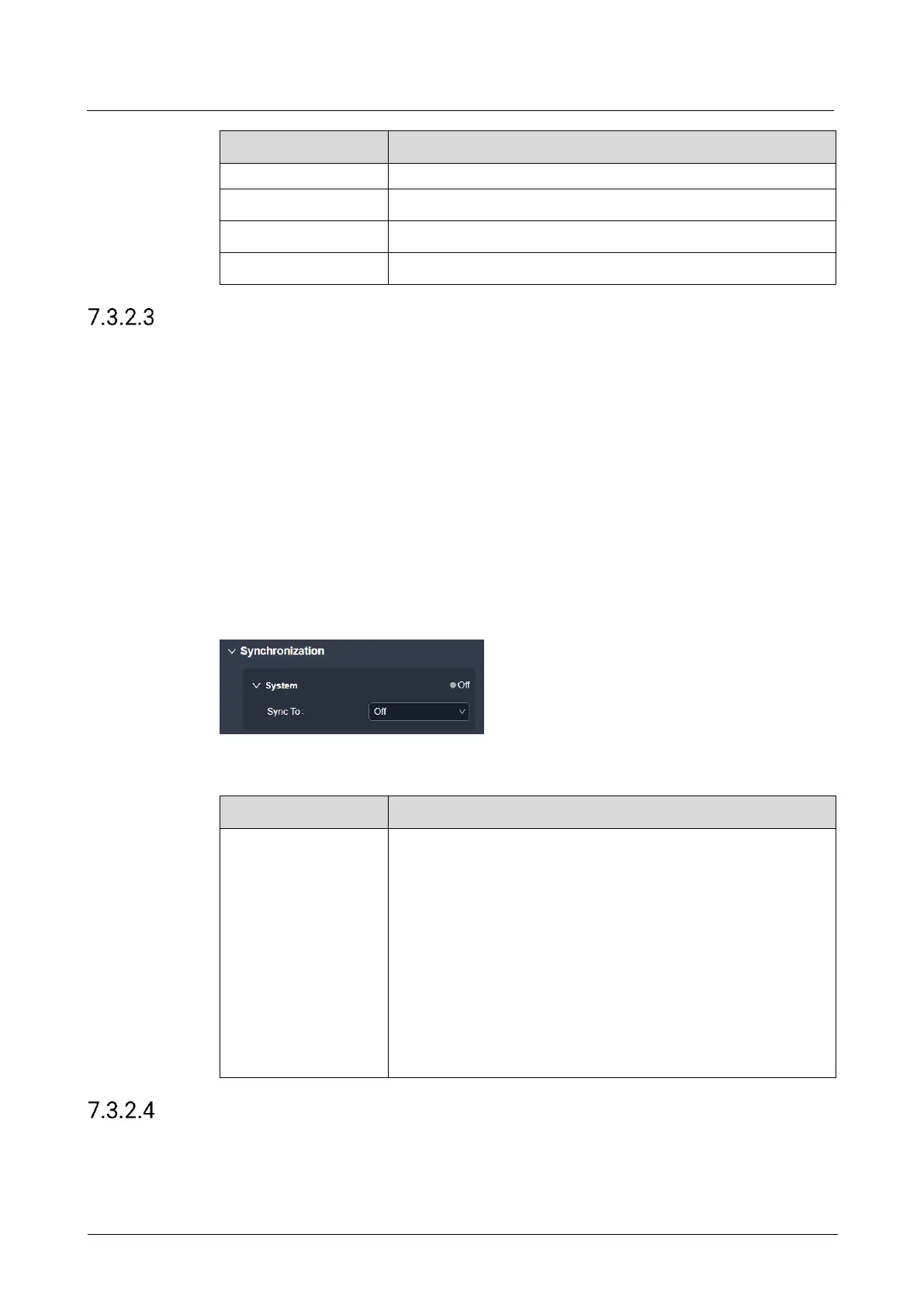
Configure Sync Source
Enable the sync function and configure the sync source for the output.
Prerequisites
Before enabling the Genlock sync function, make sure the sync signal has been
connected to the Genlock connector of the device.
The device model is Q8 and the screen has already been created.
Notes
None
Interface Example (P20)
Description
Turn off the sync function; or turn on the function and then
select the sync source to be used.
Off: Disable the sync function.
Genlock: Sync with the frame rate of the accessed Genlock
signal.
Input-X: Sync with the frame rate of the selected input
source.
X indicates the serial number of the input source and the
actual format shall prevail.
When the function is enabled, the frame rate of the sync
source will be displayed.
Configure Output Mapping
Turn on or turn off the output mapping function. If turned on, each output displays its
slot number in the loading area of the screen.



 To Next Page