All-New Event Presentation Switching Solutions
User Manual
7 Event Management Software PixelFlow
Switch Working Mode
When the device supports dual working modes (Switcher and PGM Only), you can
switch to either mode that satisfies your actual needs.
Prerequisites
The device model is the P20 and P10.
Notes
None
Interface Example (P20)
Description
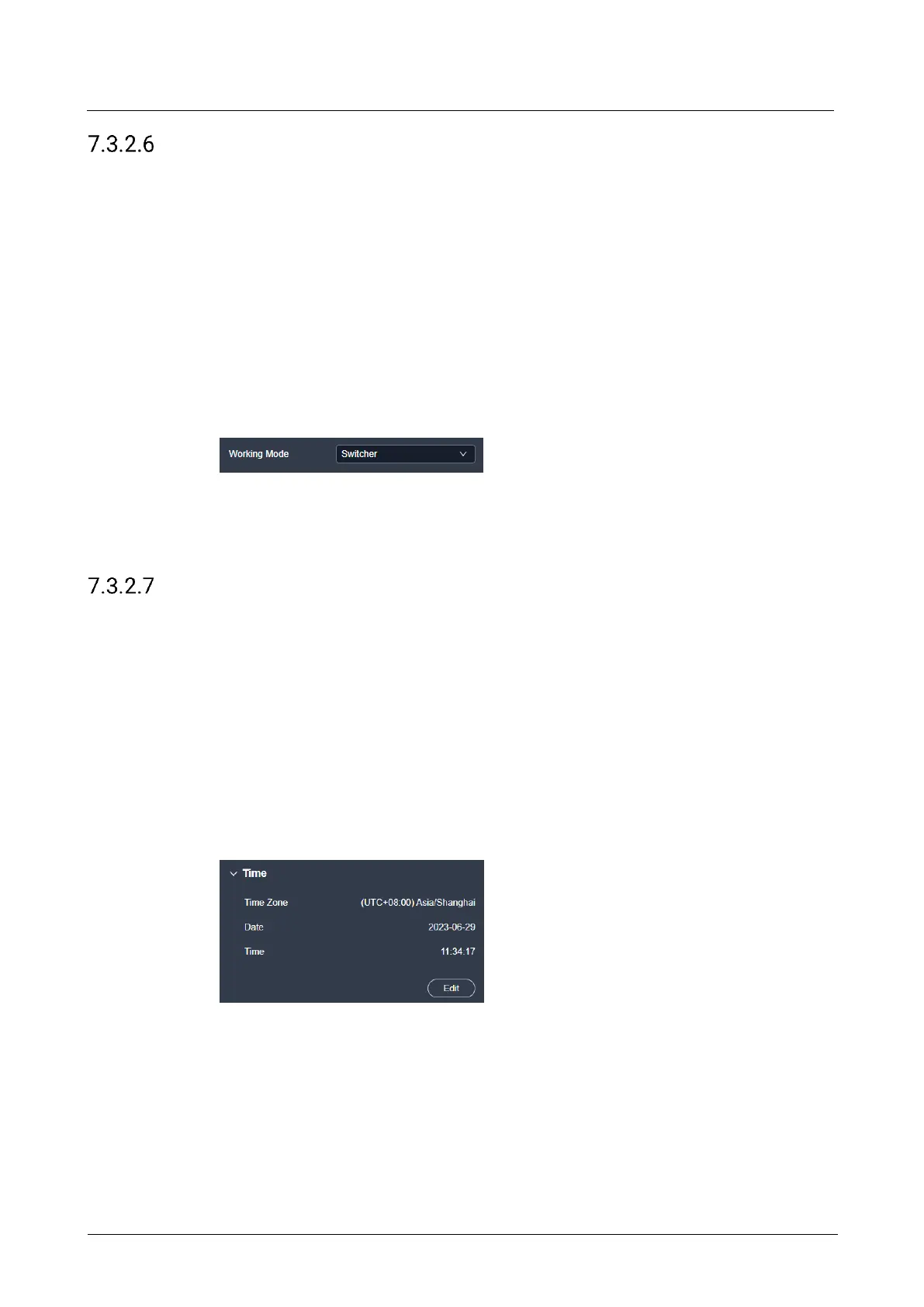
Select Switcher or PGM Only from the drop-down list.
Configure Date and Time
Configure the time zone, date and time of the device.
Prerequisites
None
Notes
None
Interface Example (P20)
Description
Click Edit and the time parameters become editable. Set the time zone, date and time
respectively, and then click Apply.



 To Next Page