All-New Event Presentation Switching Solutions
User Manual
7 Event Management Software PixelFlow
Configure DSK
Achieve the luma keying or chroma keying effect on the input source.
Prerequisites
The device model is Q8.
If your device is the P10 or P20 and you want to achieve the DSK effect, please
refer to 7.3.3.7 Configure DSK to set the related parameters in the layer property
area.
A fine signal is connected to the input connector.
Notes
None
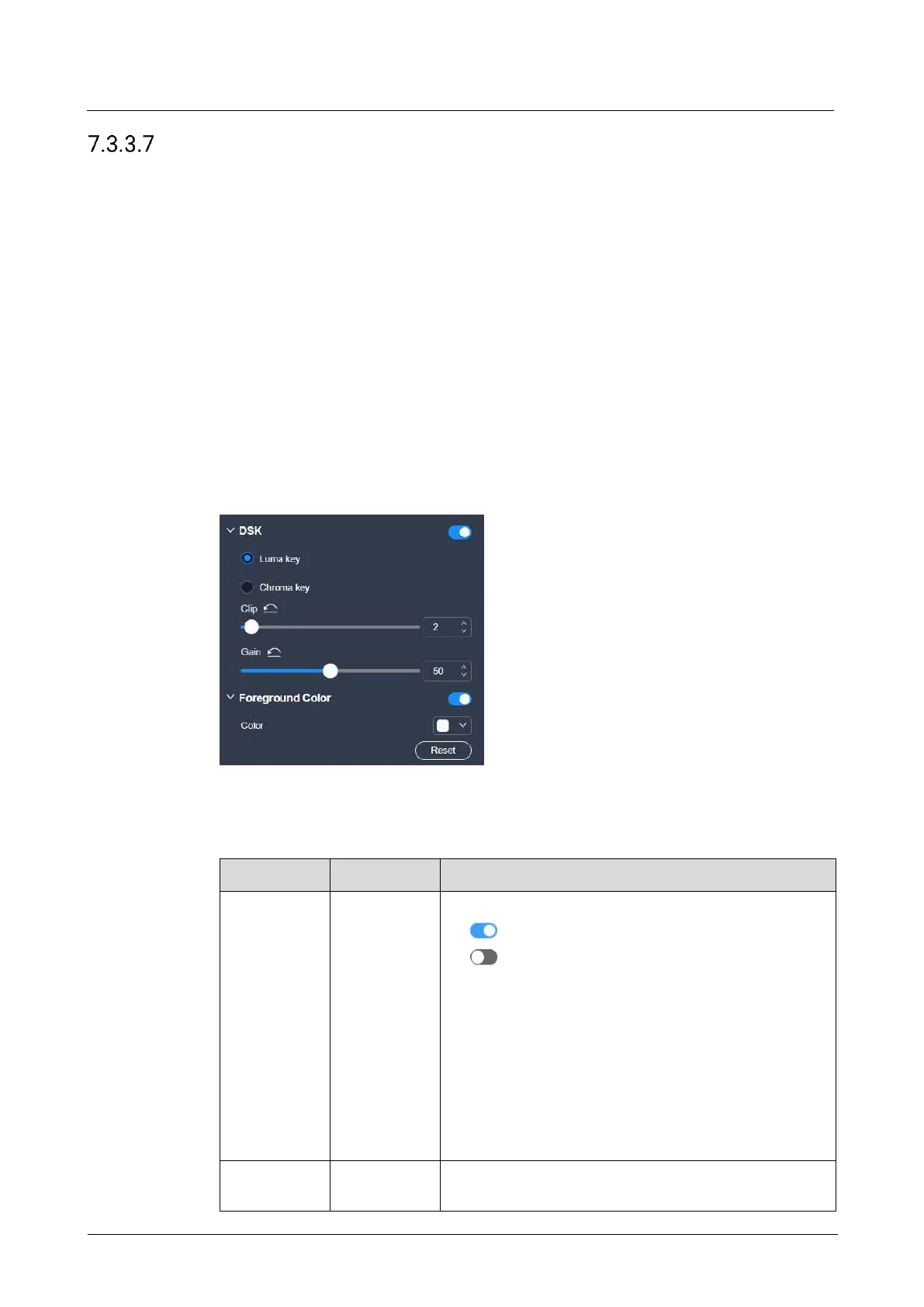
Interface Example (Q8)
Description
On the DSK tab interface, configure the following parameters.
Turns on or turn off the function.
: On
: Off
Description:
Luma key: Suitable for application scenarios where
the brightness of the background is significantly
smaller than that of the foreground. The result of
luma key is that the background becomes
transparent and the foreground is keyed out.
Chroma key: Suitable for application scenarios with
a single background color, such as blue/green
screen matting
To distinguish between the foreground and
background



 To Next Page