All-New Event Presentation Switching Solutions
User Manual
7 Event Management Software PixelFlow
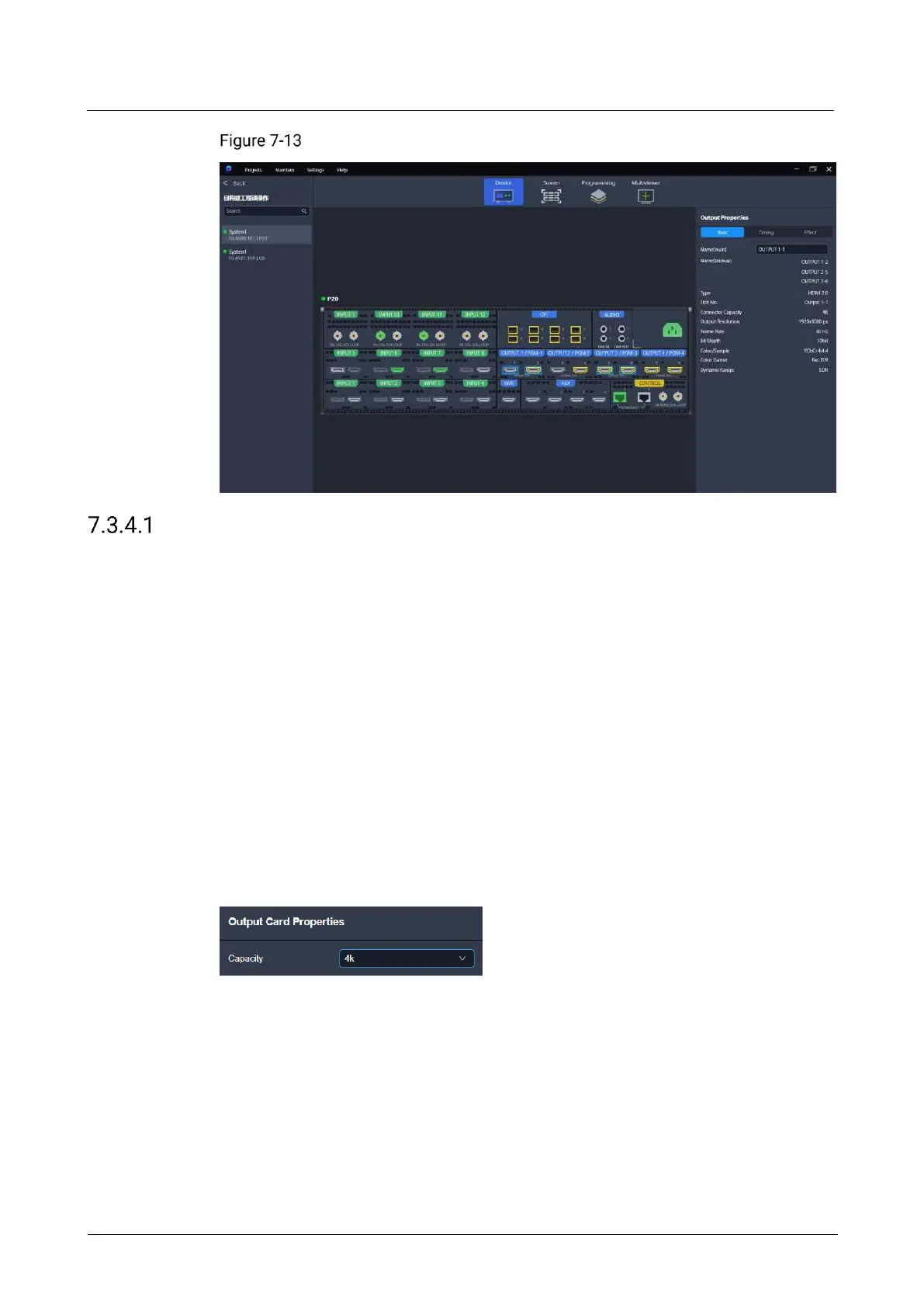
Output properties (P20)
Configure Card Properties
Select the desired output connectors and enable the output connector copying
function. The copy connector outputs the same image as the primary output
connector outputs.
Prerequisites
The connector capacity configuration is applicable to the P10 and P20.
The function of output connector copying and the selection of output connectors
are applicable to the Q8.
Notes
When the copy connector is already used to load the screen, you cannot enable the
connector copying function for the output card where the copy connector is located.
Interface Example (P20)



 To Next Page