All-New Event Presentation Switching Solutions
User Manual
7 Event Management Software PixelFlow
darkest color
Adjust the contrast value either as a whole or individually adjust
the RGB components.
The shading of lights in the image
Adjust the brightness value either as a whole or individually adjust
the RGB components.
The relative degree of how bright or dark the input source image is
The color purity of the image
The higher the value, the more vivid the color.
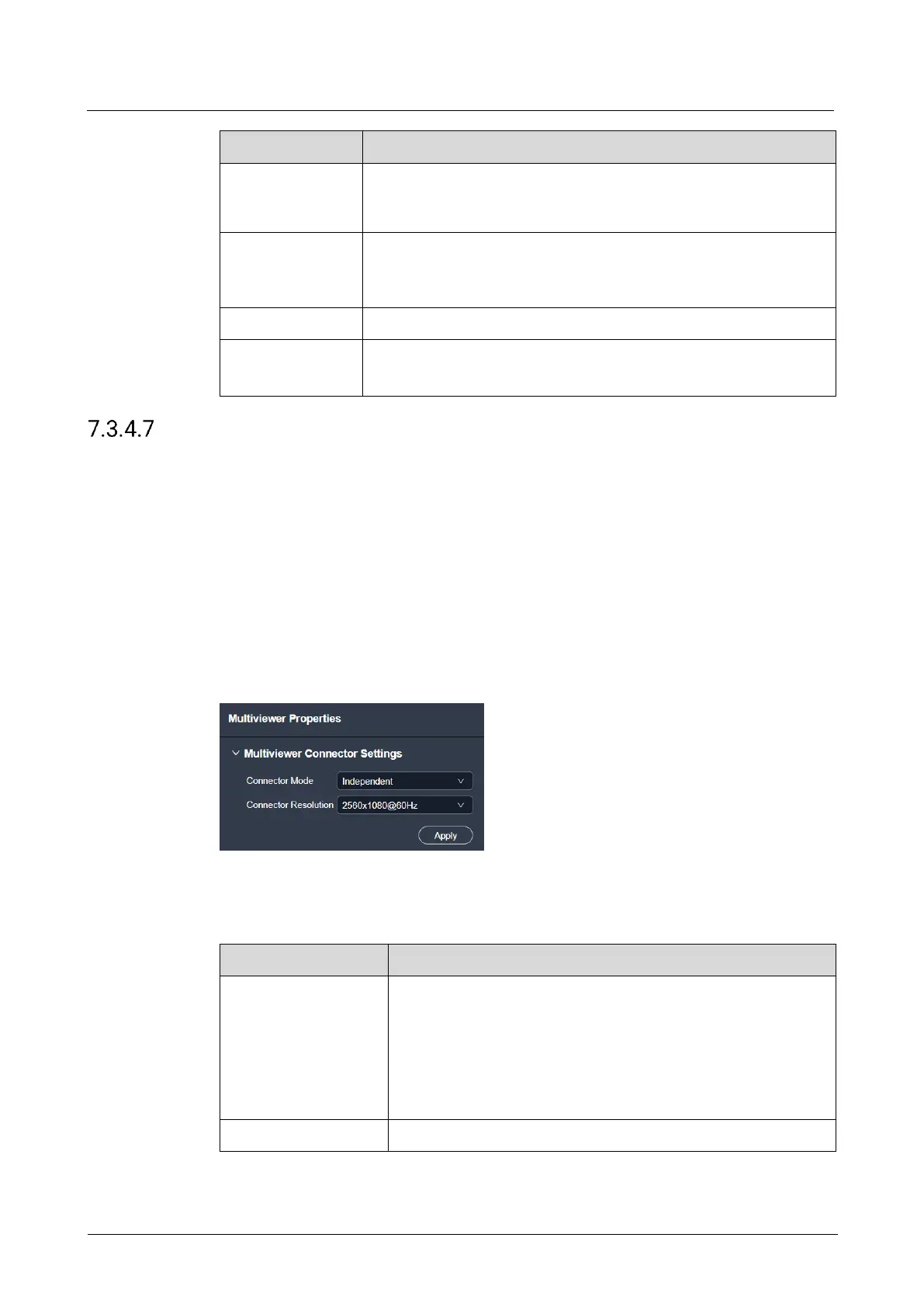
Configure Multiviewer
Configure the connector mode and resolution of the Multiviewer connector.
Prerequisites
The device model is the Q8.
Notes
None
Interface Example (Q8)
Description
Configure the following parameters and click Apply.
Configure the working mode of the Multiviewer connector.
Independent: Two Multiviewer connectors output their own
monitoring images.
Copy: HDMI 2 copies the monitoring data on HDMI 1.
When the output resolution is set to 4K×2K@60Hz, only copy
mode is supported.
Select the desired connector resolution.



 To Next Page