All-New Event Presentation Switching Solutions
User Manual
7 Event Management Software PixelFlow
Description
On the Timing tab interface, click EDID Export. In the dialog box that appears, select a
path and click Save.
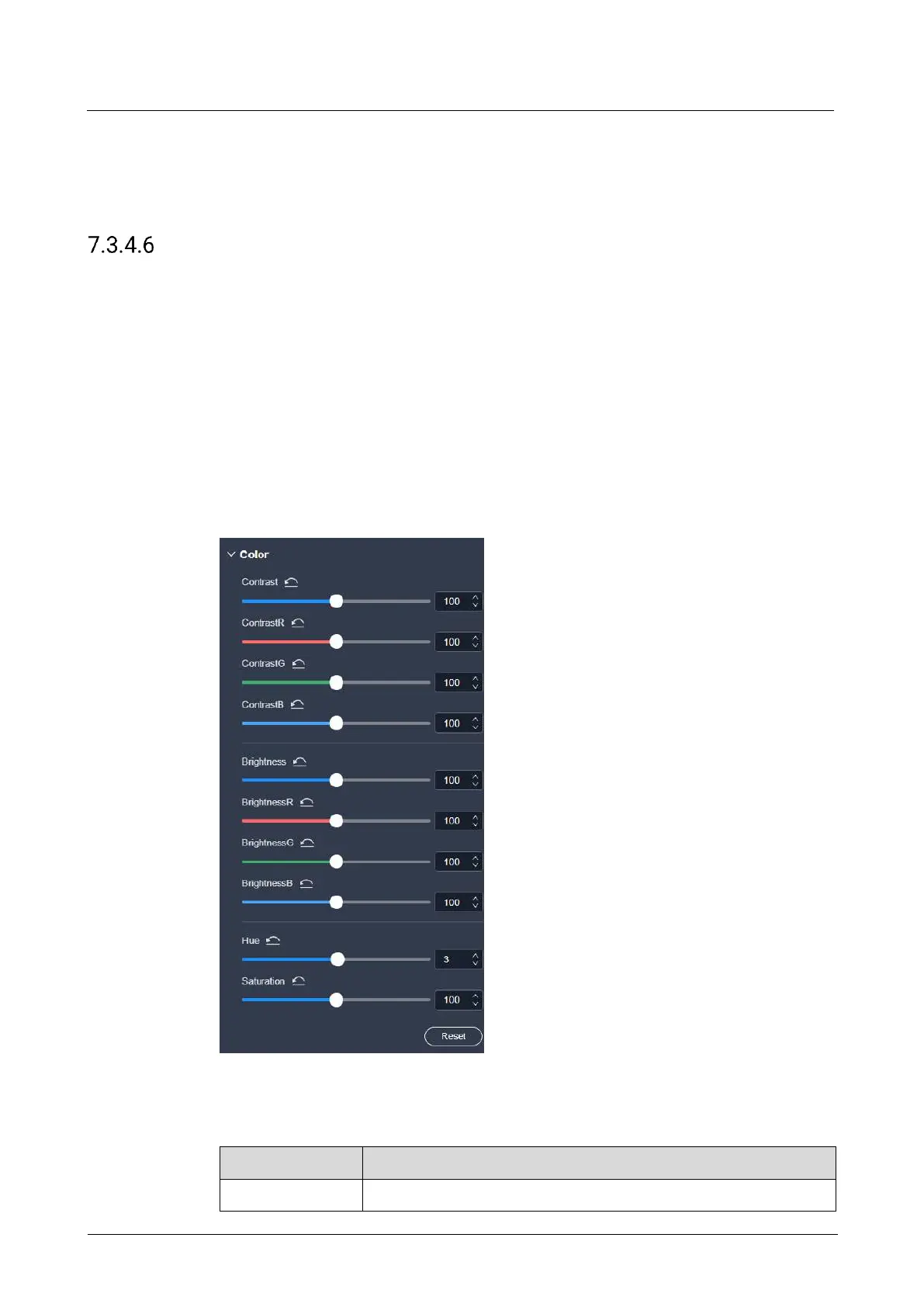
Configure Output Color
Configure the output color parameters. The ultimate output image quality is decided
by the layer color, input color and output color settings.
Prerequisites
None
Notes
None
Interface Example (P20)
Description
On the Effect tab interface, configure the following parameters.
The ratio of the luminance of the brightest color to that of the



 To Next Page