All-New Event Presentation Switching Solutions
User Manual
7 Event Management Software PixelFlow
The number of horizontal pixels and vertical pixels of
the image
Config method:
Select the desired resolution from the drop-down
list.
Select Custom from the drop-down list, and then
set the width and height values respectively.
The image frames every second (unit: Hz)
Total pixel count per line
The horizontal size in pixels of the active area
The offset between the end of the active area and the
beginning of the H sync
The horizontal sync width in pixels (or between
pixels)
The polarity of the horizontal sync pulse
Total pixel count per column
The vertical size in pixels of the active area
The offset in lines between the end of the active
output area and the beginning of V sync
The vertical sync width in rows (or between rows)
The polarity of the vertical sync pulse
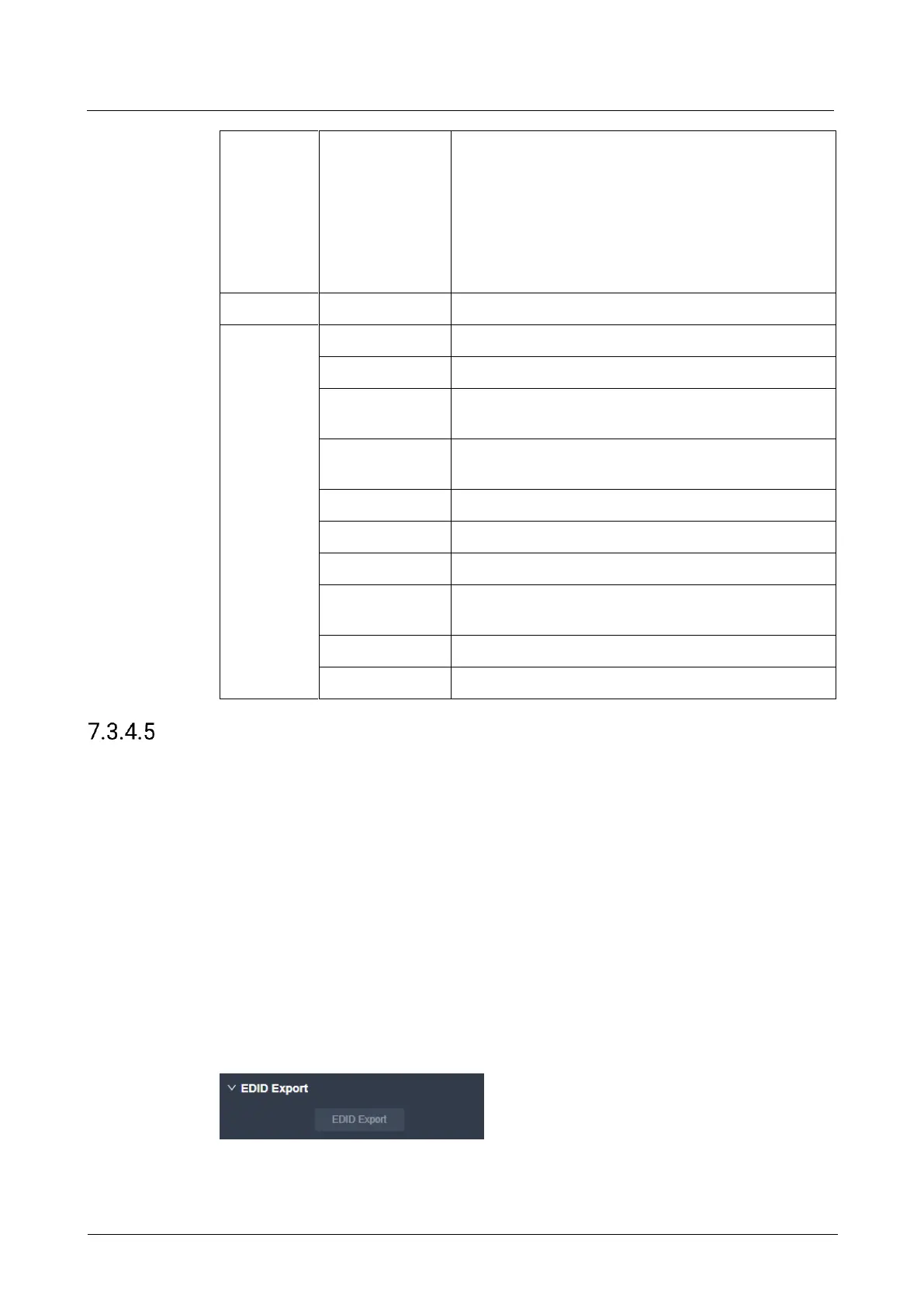
Export EDID
When the EDID compatibility of the input connector of the back-end device is good,
the device can learn the EDID of the back-end device through the output connector
and export the EDID to a local computer for possible future use.
Prerequisites
The output connector is connected to the back-end device normally.
The output is a main output (not AUX output).
Notes
None
Interface Example (P20)



 To Next Page