All-New Event Presentation Switching Solutions
User Manual
7 Event Management Software PixelFlow
Description
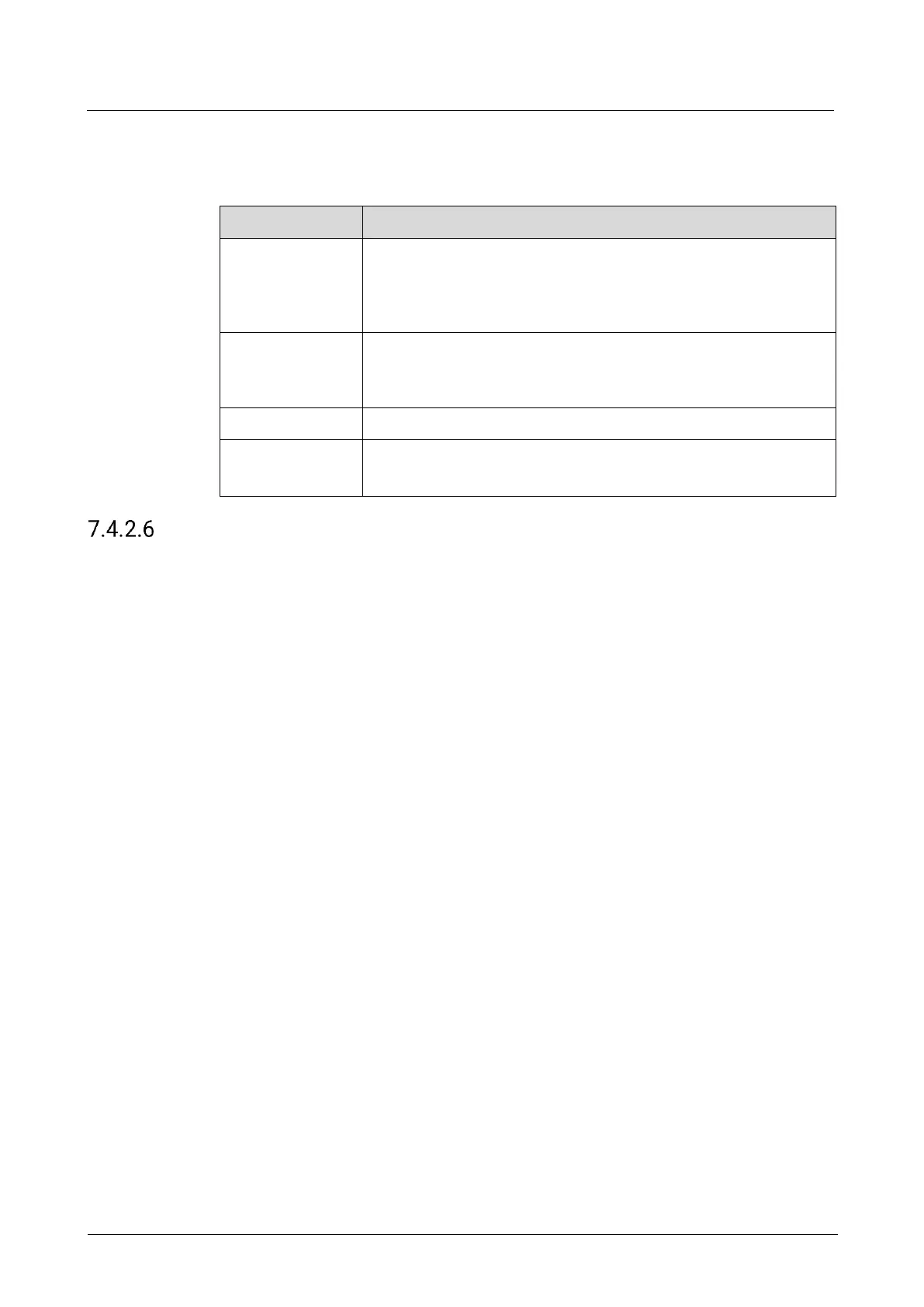
On the Effect tab interface, configure the following parameters.
The ratio of the luminance of the brightest color to that of the
darkest color
Adjust the contrast value either as a whole or individually adjust
the RGB components.
The shading of lights in the image
Adjust the brightness value either as a whole or individually adjust
the RGB components.
The relative degree of how bright or dark the input source image is
The color purity of the image
The higher the value, the more vivid the color.
Configure Timing
Configure the resolution and frame rate of the output. You can select the standard
resolution provided by the device, customize a resolution, or set the advanced
parameters.
Prerequisites
The EDID of the back-end device is obtained.
Notes
It is recommended the advanced settings are carried out by the trained personnel
only.
After the output resolution is changed, the AOI parameters associated with the
connector will be automatically reset.



 To Next Page