All-New Event Presentation Switching Solutions
User Manual
7 Event Management Software PixelFlow
You can also delete or replace the input source if necessary.
Turn on or turn off the function.
: On, allowing black areas to be transparent and white
areas to be cut
: Off, allowing white areas to be transparent and black
areas to be cut
The color curve for the Cut layer, which is used to adjust the
transition effect of the Cut layer
The farther apart the X coordinates of 1 and 2 are, the smoother
the transition will be.
The horizontal initial position of the Cut layer relative to the Fill
layer
The vertical initial position of the Cut layer relative to the Fill layer
The horizontal pixels of the Cut layer
The vertical pixels of the Cut layer
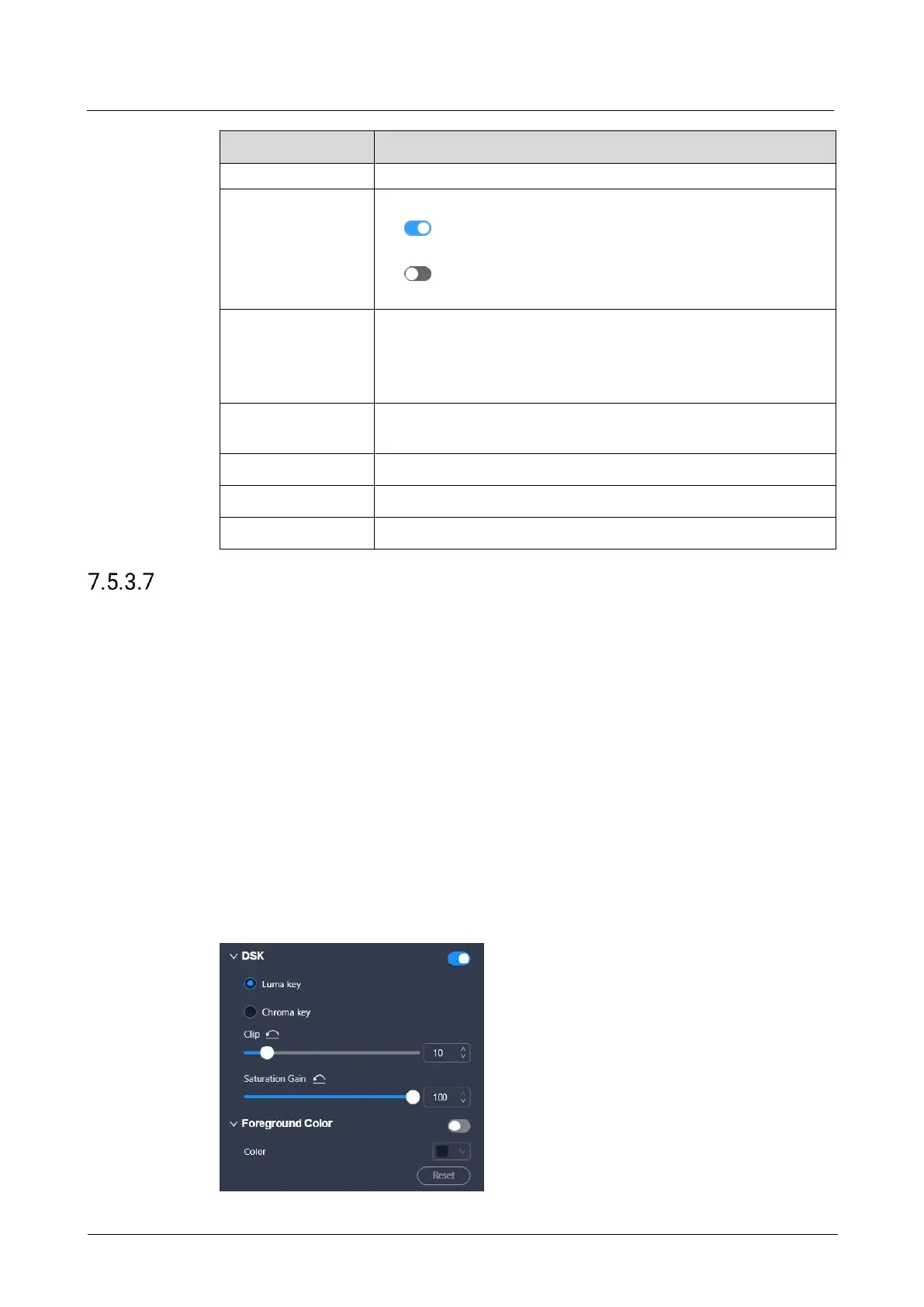
Configure DSK
Achieve the luma keying or chroma keying effect on the input source.
Prerequisites
The device model is the P10 and P20. If your device is the Q8 and you want to
achieve the DSK effect, please refer to 7.3.3.7 Configure DSK to set the related
parameters in the input property area.
The layers is a regular (not AUX) layer, and the layer input source is a good one.
Notes
After the DSK function is enabled, the layer capacity will automatically change to 4K,
and the cut & fill function will be disabled.
Interface Example (P20)



 To Next Page