All-New Event Presentation Switching Solutions
User Manual
− Support for 8-bit and10-bit output settings
− Support for 4:2:2 and 4:4:4 output settings
− Support for YCbCr and RGB color space settings
− No support for interlaced signal outputs
− Custom resolutions
Maximum width: 8192 pixels; maximum height: 8192 pixels
4x 12G-SDI
− Compatible with SD-SDI, HD-SDI, 3G-SDI and 6G-SDI
− No support for interlaced signal outputs
8x 10G OPT
− Support for single-mode and multi-mode optical outputs, transmission
distance up to 10km in single mode
− OPT ports copy outputs on video connectors
− OPT 1 and OPT 2 copy the output on connector 1 or 5.
− OPT 3 and OPT 4 copy the output on connector 2 or 6.
− OPT 5 and OPT 6 copy the output on connector 3 or 7.
− OPT 7 and OPT 8 copy the output on connector 4 or 8.
Status LEDs
Each HDMI output connect has a status LED which indicates the connection status of
backend device. The 12G-SDI and optical port do not have status LEDs.
On: The output connection is normal.
Off: The output connection is abnormal.
Control Card
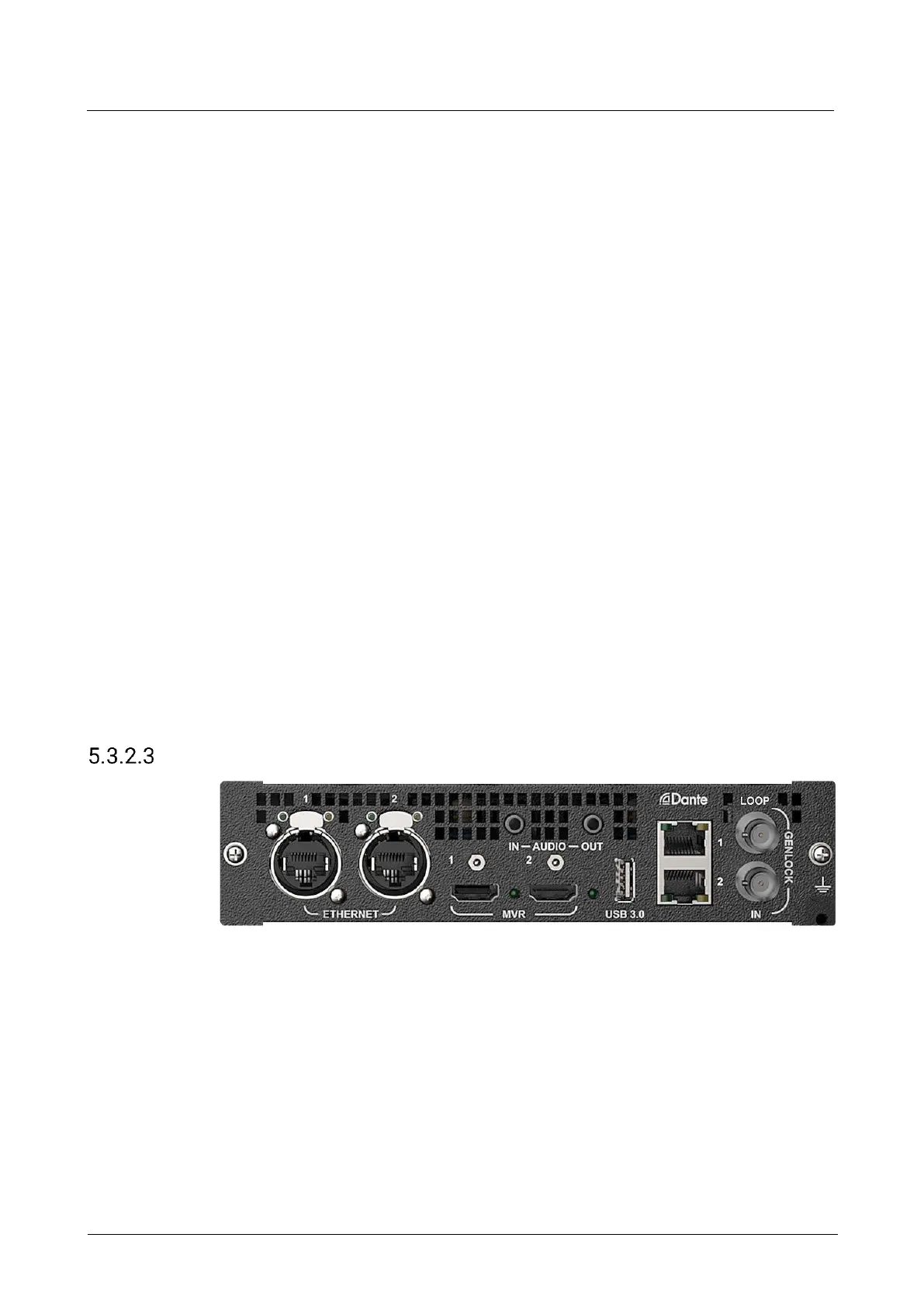
ETHERNET
2x Neutrik Gigabit Ethernet ports
The two Ethernet ports work as a copy channel for each other
Connect to the U5, U5 Pro or control computer
Transmit the input view information to the control computer or U5/U5 Pro event
controller
Support control by central control command



 To Next Page