All-New Event Presentation Switching Solutions
User Manual
Menu Orientation
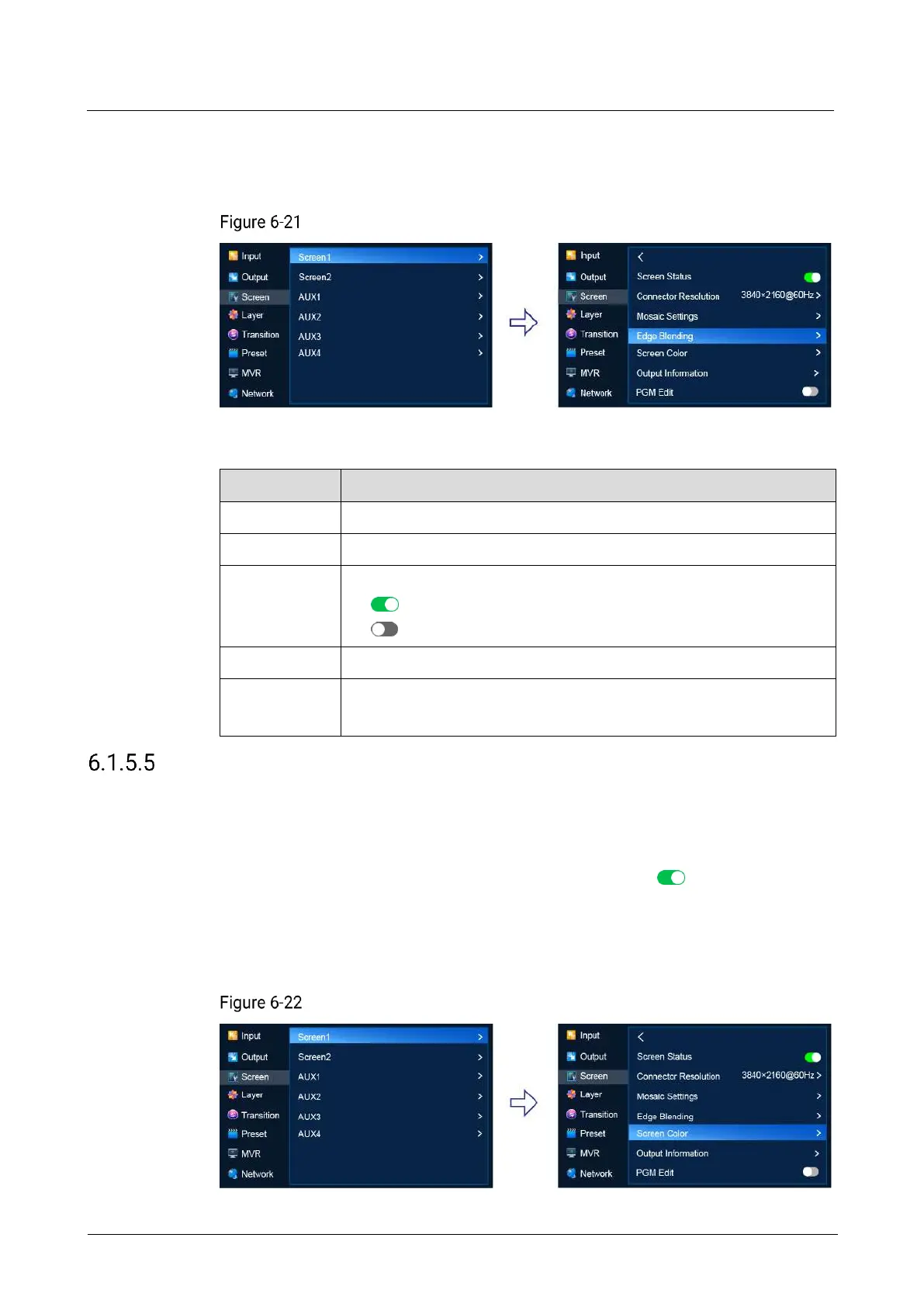
On the main menu screen, scroll to and select Screen > Screen1 > Edge Blending.
Edge blending (P20)
Description
Select a connector for edge blending settings.
Select an edge for blending.
Turn on or off Feathering.
: On
: Off
The feathering gamma for the blending area
The feathering width for the blending area
The blending area is inside the projector image and facing inward.
Set Screen Color
Set the color parameters of the screen
Prerequisites
The screen is a common screen and Screen Status is set to .
Menu Orientation
On the main menu screen, scroll to and select Screen > Screen1 > Screen Color.
Screen color (P20)



 To Next Page