All-New Event Presentation Switching Solutions
User Manual
mosaic.
P10
− 4K: In PGM only mode, two connectors can be used for
mosaic. In switcher mode, one connector can be used.
− SL: In PGM only mode, eight connectors can be used for
mosaic. In switcher mode, four connectors can be used.
If an output connector used on the mosaic layout fails, you can
replace the connector with another normal connector via menu
operations.
Procedure:
Select Replace Connector, select the connector to be replaced on the
right, scroll to and select another normal connector.
If the selected normal connector is in use, the normal connector and
the failed connector will be swapped.
Set the pixel width and height and start position of the output
connector on the mosaic screen.
This menu item is displayed only when Advanced is selected as the
mosaic mode.
When the resolution of the output connector is higher than the actual
screen resolution, AOI settings allow the output connector to meet
the mosaic requirements without changing the original resolution of
the connector.
Submenu description:
Connector: Select the connector for AOI settings.
Width: Set the pixel width.
Height: Set the pixel height
H Position: Set the horizontal start position.
V Position: Set the vertical start position.
Set the parameters related to LCD bezel compensation.
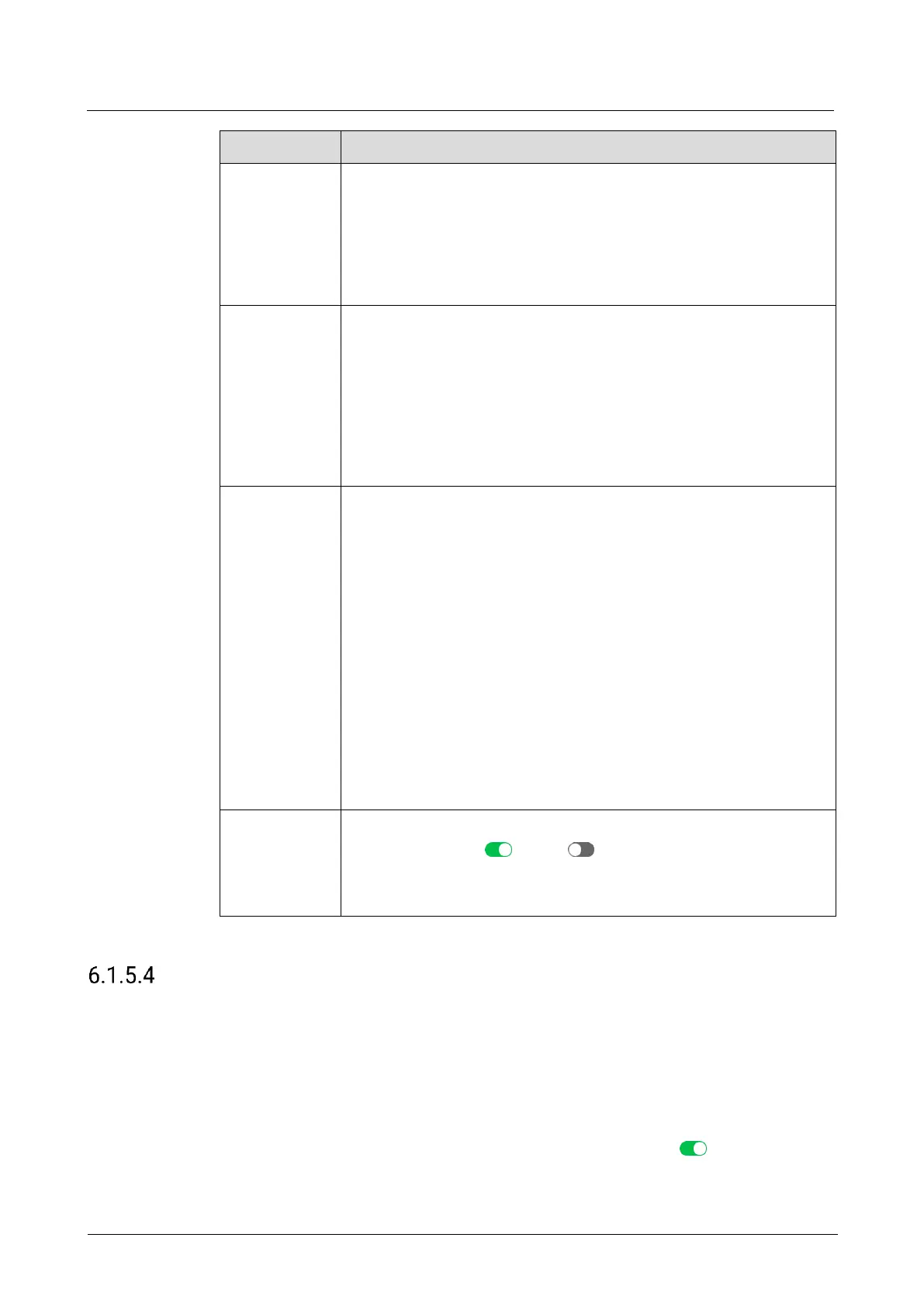
Status: Turn on ( ) or off ( ) LCD bezel compensation.
H Spacing: Total width of bezels
V Spacing: Total height of bezels
After the settings are completed, select Apply for the settings to take effect.
Set Edge Blending
Edge blending is a technique used when using multiple projectors to display different
regions of a single image. To display a single seamless image, adjacent projectors
need to overlap edges slightly and compensate for the double brightness created in
different regions.
Prerequisites
The screen is a common screen and Screen Status is set to .
The offset angles of the projectors have been adjusted.



 To Next Page