All-New Event Presentation Switching Solutions
User Manual
Set the RGB values of the pick point
Method 1: Specify the coordinates of the pick point on
the input source, and the RGB values of the point will be
displayed.
Method 2: Specify the RGB values.
After the settings, click Apply. You can also adjust the
following parameters to optimize the keying effect.
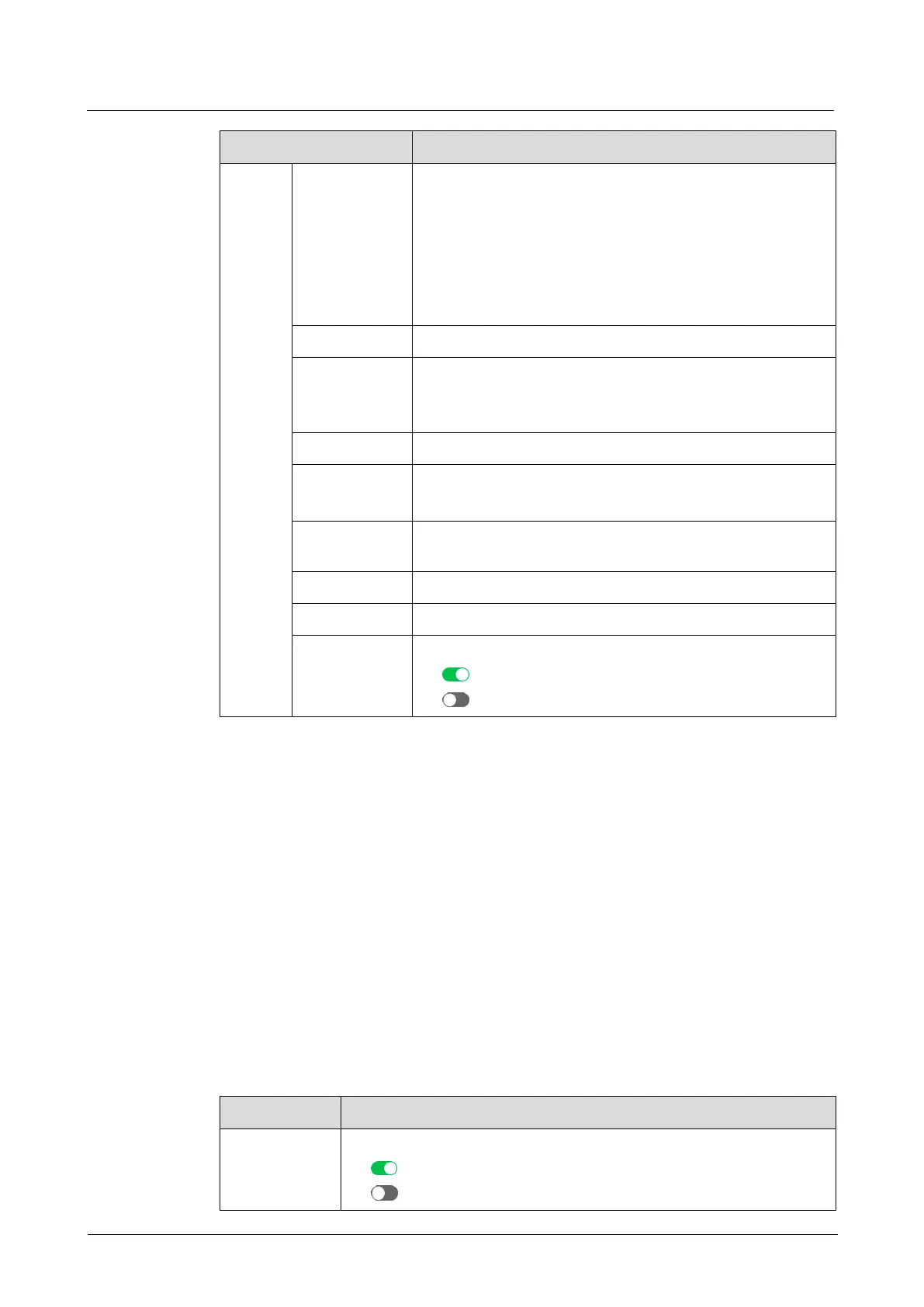
Distinguish between the foreground and background.
Hue range
The greater the value, the larger the removal area. The
maximum value is the current value of Hue Ramp.
Distinguish between the foreground and background.
The hue softness of the transition area
The larger the value, the softer the transition.
Remove the overflow from the foreground image edges
and semi-transparent areas.
Remove the highlight areas.
Turn on or turn off edge smooth.
: On
: Off
6.1.6.1.7 Set Layer Mask
Set parameters related to layer mask. The masked area will be transparent and
invisible. The layer resolution keeps unchanged.
Prerequisites
A common screen and regular layer are selected.
Note
Enabling layer mask will disable the layer border.
Menu Orientation
On the main menu screen, scroll to and select Layer > Layer Name > Mask.
Description
Turn on/off layer mask.
: On
: Off



 To Next Page