All-New Event Presentation Switching Solutions
User Manual
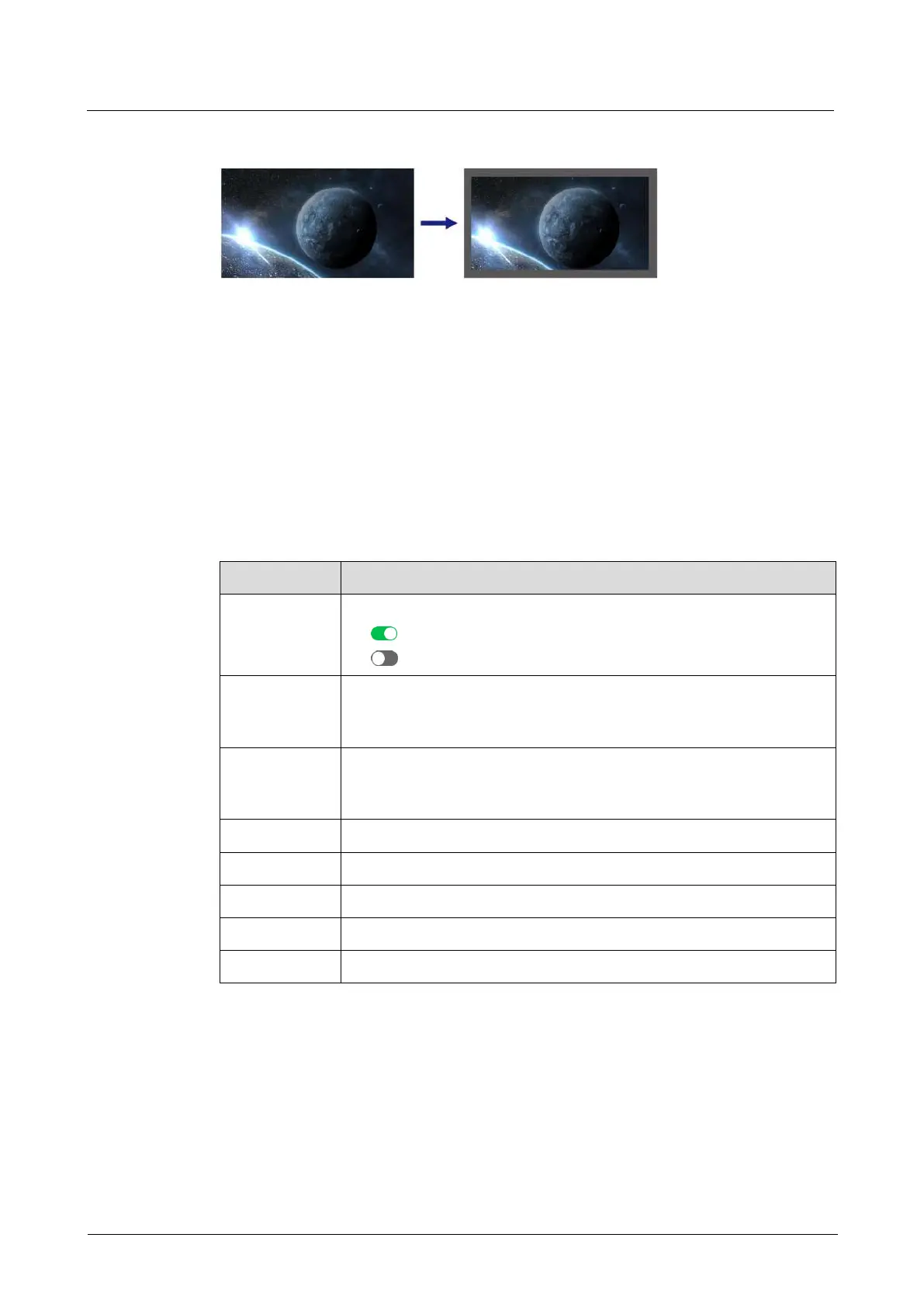
Border Effect Example
6.1.6.1.9 Set Border Shadow
Set the layer shadow position, size, opacity, edge blur and color.
Prerequisites
A common screen and regular layer are selected.
Menu Orientation
On the main menu screen, scroll to and select Layer > Layer Name > Shadow.
Description
Turn on/off layer shadow.
: On
: Off
The horizontal initial position of shadow on the common screen.
The coordinates of the pixel at the top left of the common screen
is (0, 0).
The vertical initial position of shadow on the common screen. The
coordinates of the pixel at the top left of the common screen is (0,
0).
Set the shadow edge blur.
6.1.6.1.10 Set Layer Flipping
Flip layers horizontally, vertically, or horizontally and vertically.
Prerequisites
A common screen and regular layer are selected.
Menu Orientation
On the main menu screen, scroll to and select Layer > Layer Name > Flip.



 To Next Page