- 206 -
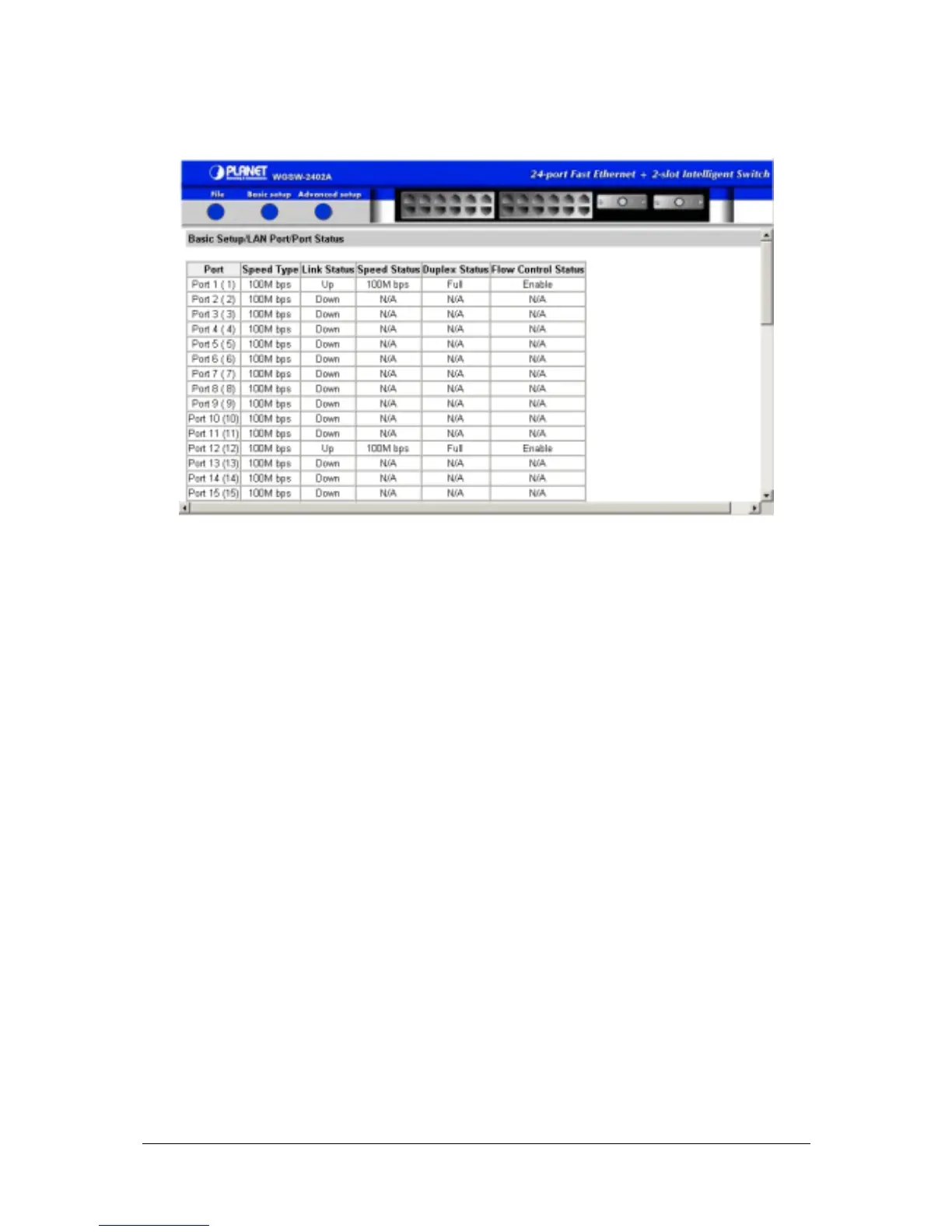
F
IGURE
6-9
E
XAMPLE OF
V
IEWING
S
PEED
& F
LOW
C
ONTROL
6.4.2.2 Changing Port Configuration
To change a port’s Configuration:
1. Point to Basic Setup, point to LAN Ports, and click Port Configuration. A page similar to the
following appears, showing the configuration for all ports. The information displayed automatically
updates every 15 seconds, without requiring you to refresh the window.



 To Next Page
 Loading...








