RealPresence Collaboration Server (RMX) 1500/1800/2000/4000 Getting Started Guide
Polycom®, Inc. 71
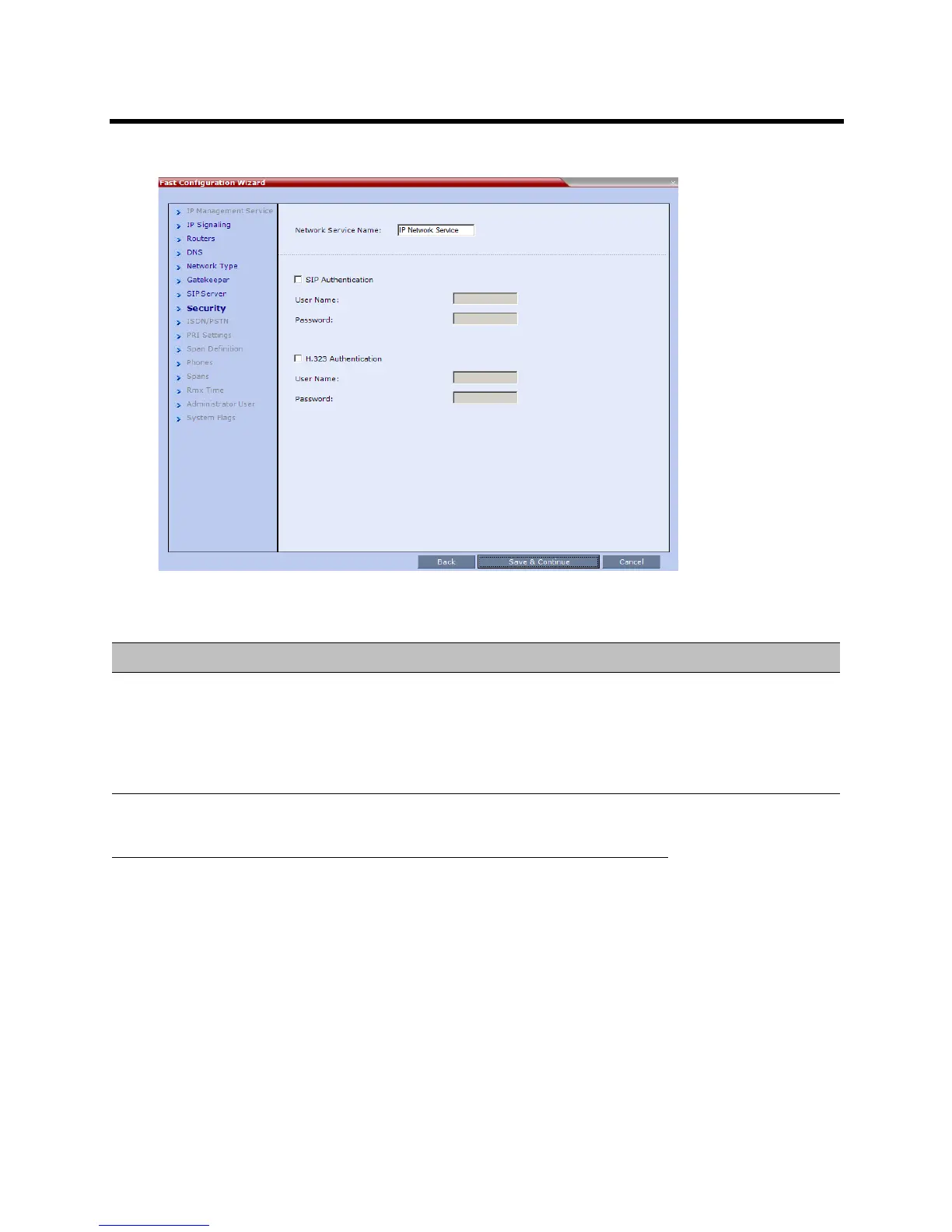
15 Enter the required Security information in the dialog box.
Default IP Network Service – Security
Field Description
SIP Authentication Click this check box to enable SIP proxy authentication.
Select this check box only if the authentication is enabled on the SIP proxy, to enable
the Collaboration Server to register with the SIP proxy. If the authentication is enabled
on the SIP proxy and disabled on the Collaboration Server, calls will fail to connect to
the conferences.
Leave this check box cleared if the authentication option is disabled on the SIP proxy.
User Name Enter the user name the Collaboration Server will use to
authenticate itself with the SIP proxy. This name must be
defined in the gatekeeper.
These fields can contain
up to 20 ASCII
characters.
Password Enter the password the Collaboration Server will use to
authenticate itself with the gatekeeper. This password
must be defined in the SIP proxy.














 To Next Page