79
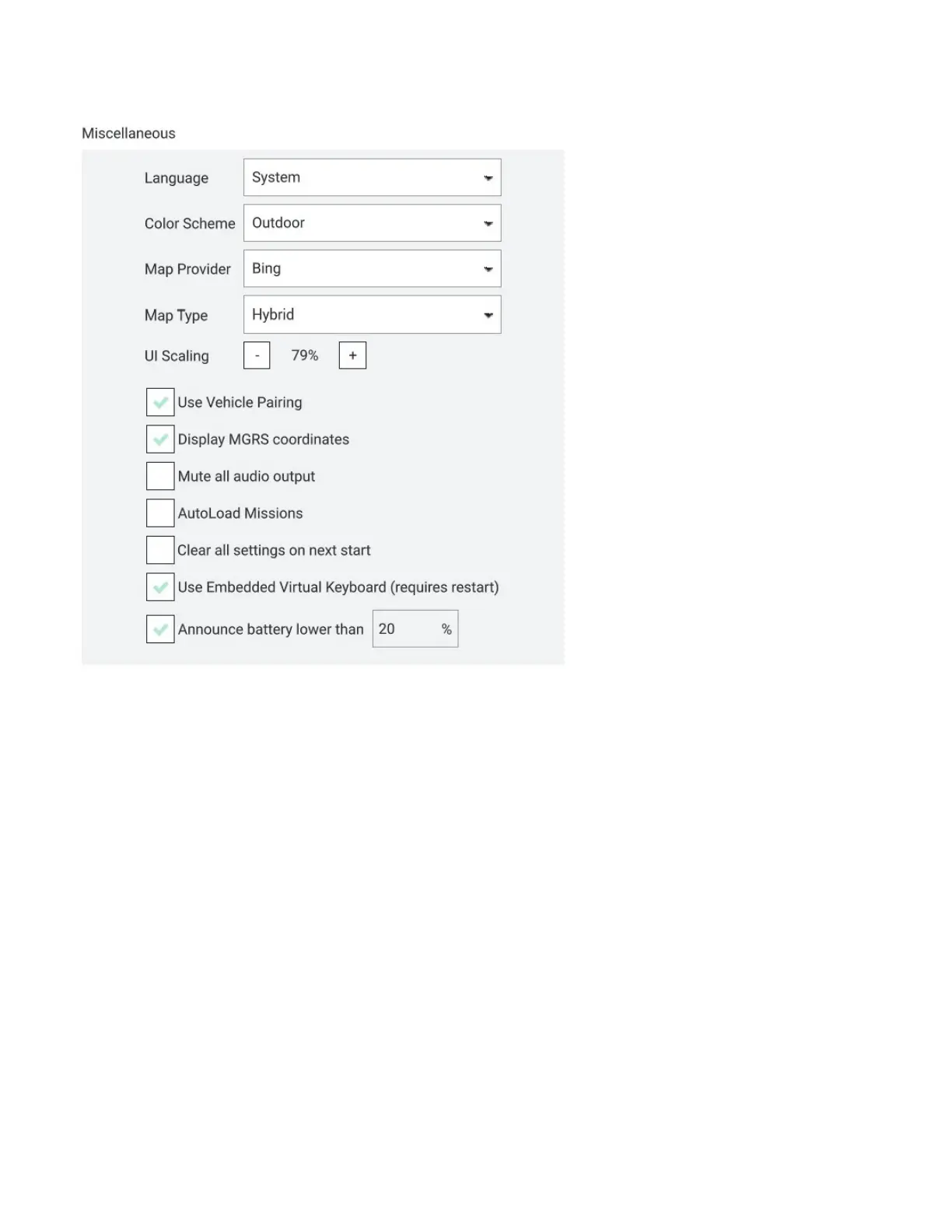
• Announce low battery charge levels
Data Persistence: Disabling this option will result in telemetry logging and map tile
caching to not be written to disk. This can be useful for security reasons but can also result
in unintentional data loss.
Telemetry Logs From Vehicle:
• Saves telemetry logs to the AV which can later be downloaded to the GCS.
• Saves telemetry logs to the AV even if the AV was never armed which can later be
downloaded to the GCS and can be useful for troubleshooting or other purposes.
• Saves telemetry logs in a GCSV format for importing data into other programs for
data analysis, such as spreadsheets.
Fly View: Customize or enable/disable the following features:
• Use preflight checklist
• Keep map centered on the AV
• Show telemetry log replay status bat
• Use vertical instrument panel
• Show additional heading indicators on compass
• Set GO TO location max distance



 To Next Page